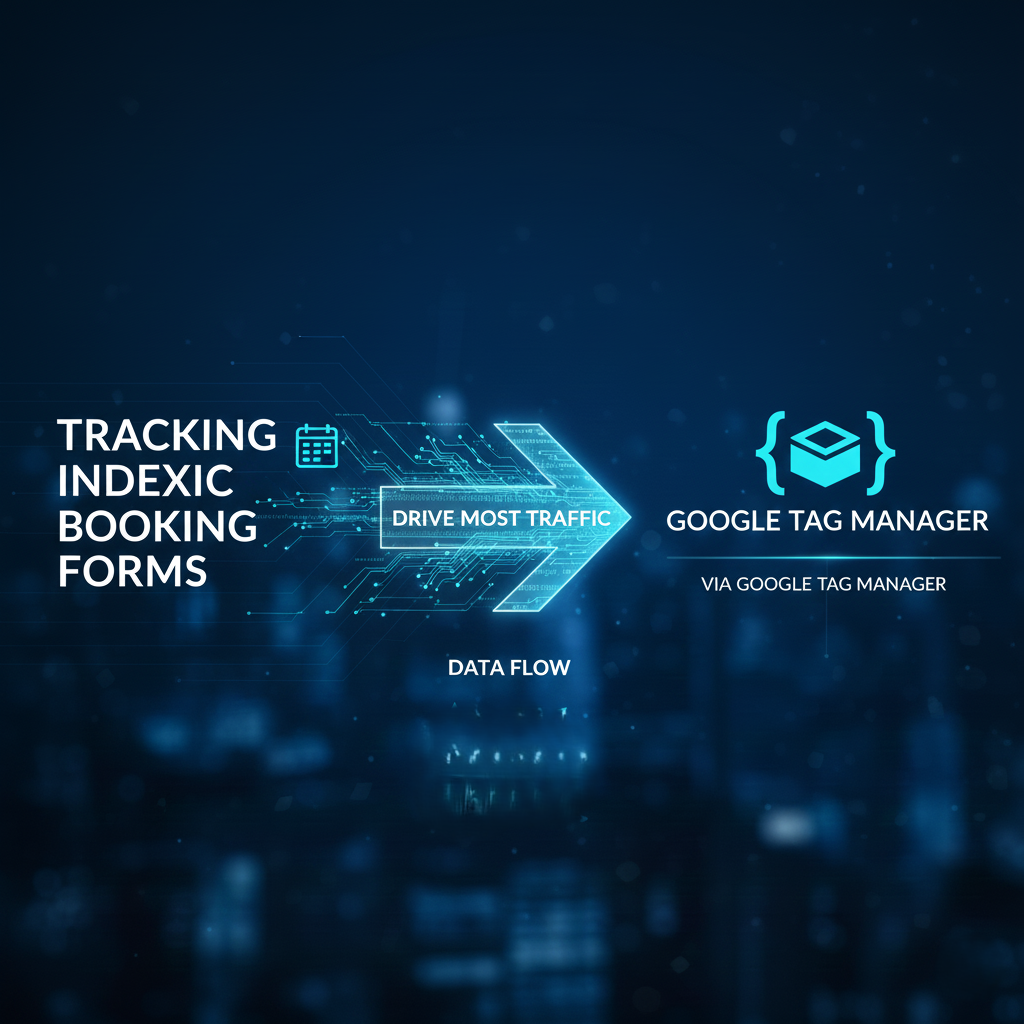
Indexic is a structured booking form, similar in functionality to Calendly, but specifically designed for booking services and products rather than scheduling meetings.
Unlike meeting-focused scheduling tools, Indexic enables businesses to present their service or product offerings in an organized manner and allows customers to select, request, or book those offerings directly through a dedicated form.
This type of form is really good in the car rental business and in hotels & guest houses more and more. But forget about it because today in this article we will explain how you can track this form and you can send your important data everywhere or wherever you need.
Let’s track data with Google Tag Manager
So to do it at first, you have to go into your Google Tag Manager. Because at first we have to create one new tag, which one will collect or record the form activity for us and will be updated in the data layer.
So now go to the tag section and click on the tag button. But don’t forget to select “Custom HTML” as your tag type.
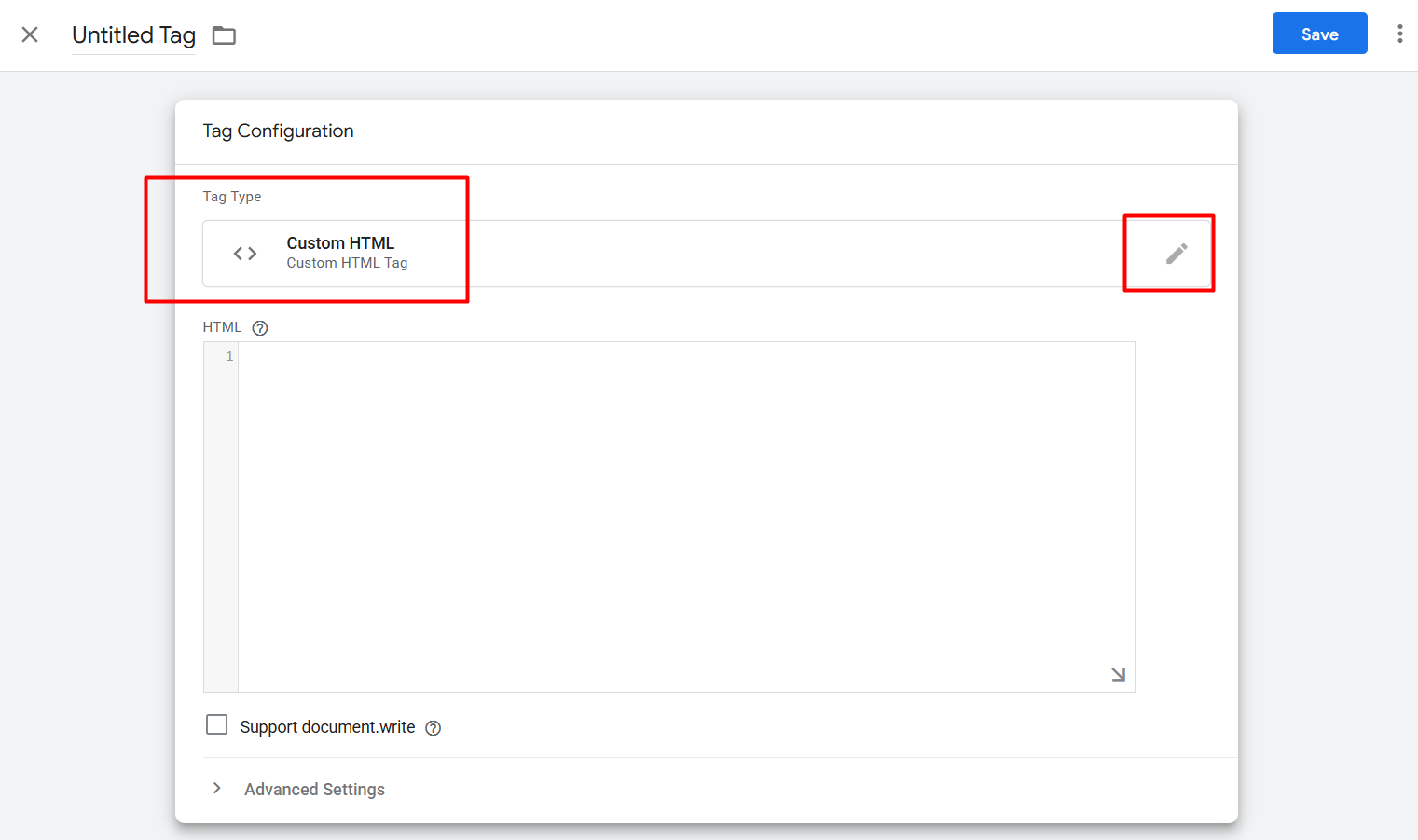
Now here in the blank page, place our provided code. Because without this code you will not be able to recode the data in your data layer.
<script>

/**

* Author: Friend Studio

*/

// Purchase Tracking

aResLinkPopOver.setPurchaseCallback(function(purchaseDetails) {

dataLayer.push({

event: "indexic_purchase",

transaction_id: purchaseDetails.transaction_id,

affiliation: purchaseDetails.affiliation || "Indexic aReservation",

value: purchaseDetails.value,

currency: purchaseDetails.currency,

tax: purchaseDetails.tax,

items: purchaseDetails.items

});

});

// View Event Tracking

aResLinkPopOver.setViewEventCallback(function(eventName) {

dataLayer.push({

event: "indexic_view_event",

content_type: "Product",

items: [{ name: eventName }]

});

});

// Add to Cart Tracking

aResLinkPopOver.setAddToCartCallback(function(itemDescription) {

dataLayer.push({

event: "indexic_add_to_cart",

item_name: itemDescription

});

});

// Chceckout Tracking

aResLinkPopOver.setBeginCheckoutCallback(function(itemDescription) {

dataLayer.push({

event: "indexic_begin_checkout",

item_name: itemDescription

});

});

// Click Link Tracking

aResLinkPopOver.setClickLinkCallback(function(destinationURL) {

dataLayer.push({

event: "indexic_click_link",

page_location: destinationURL

});

});

</script>
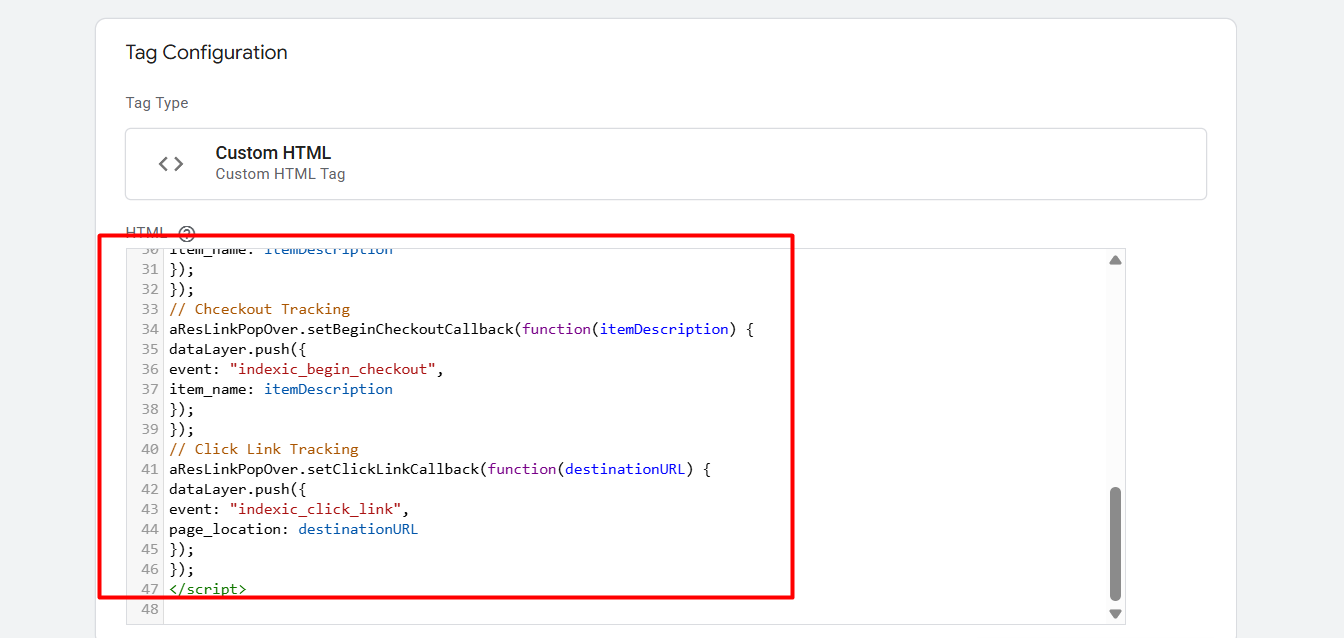
Here in the picture you can see how we place the custom HTML code. Now it’s time to set up the trigger.
Trigger
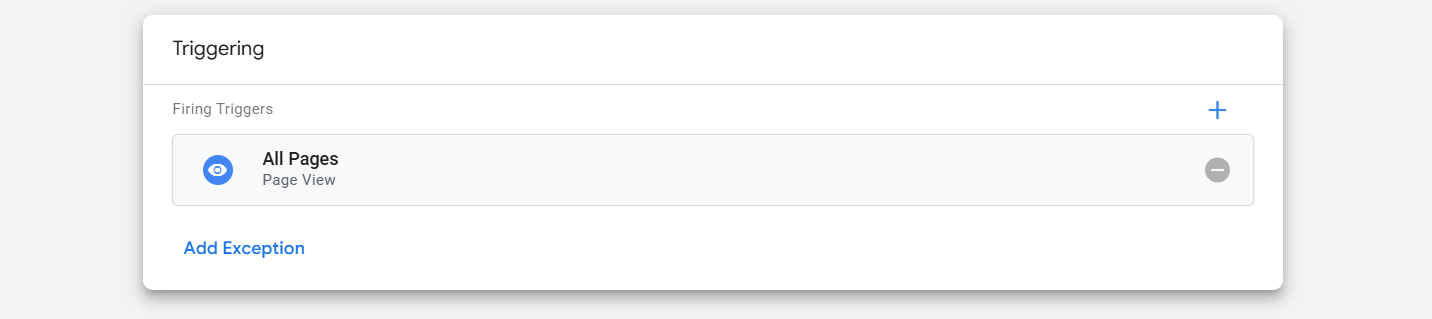
Here in the trigger section we select “All Pages.” Because this tag should be fired on every page if the indexic form is there.
Now save it, and you can preview the setup. If you don’t know much about the data layer, then you can read this article. Explanation of the data layer.
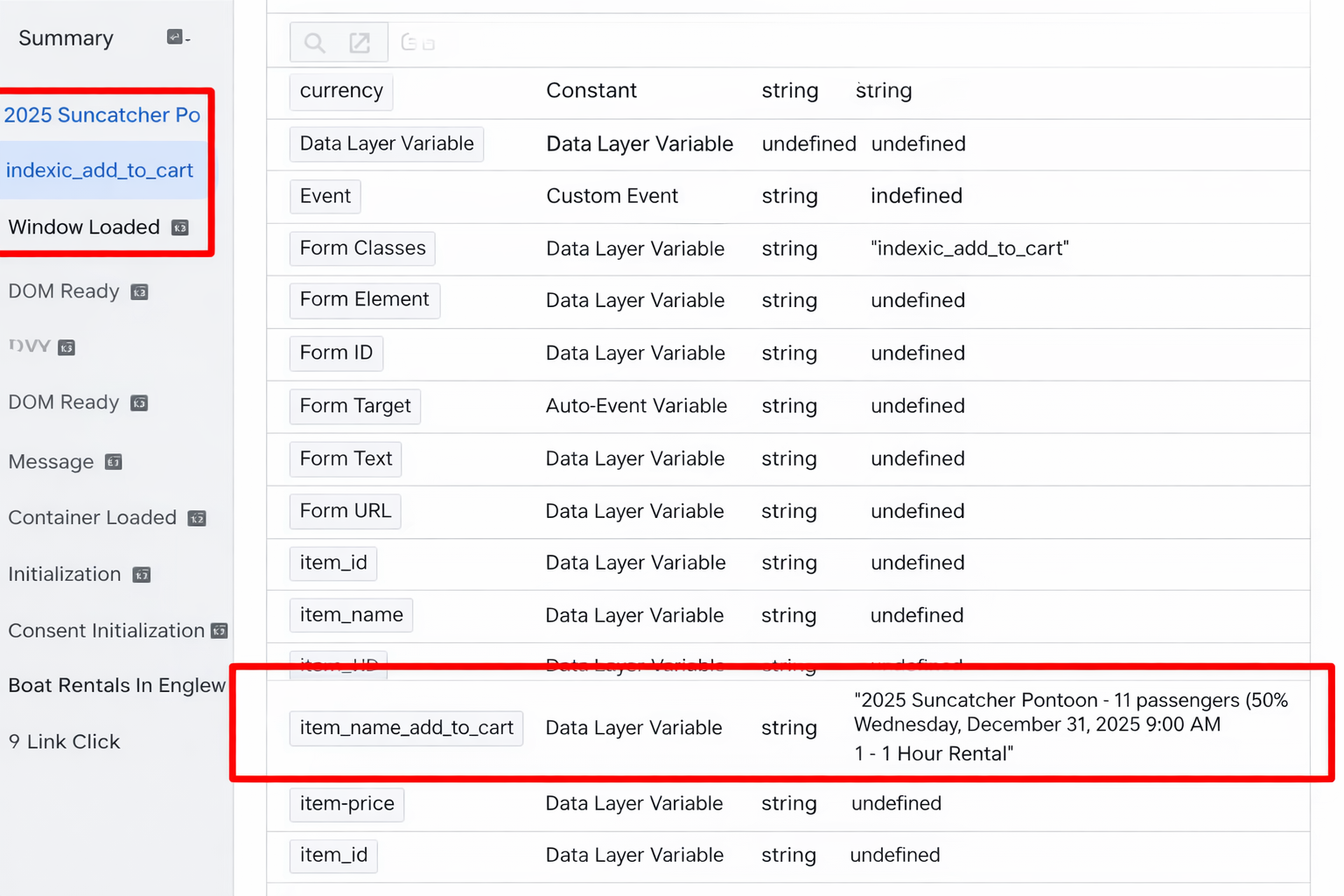
Here you can see after completing the add to card in the indexic booking form, our data layer is recording the data in the name of “indexic_add_to_cart.” Also, it’s collecting the item name.
So in the same way, in the data layer, you can see all of the events after completing the checkout and purchase.
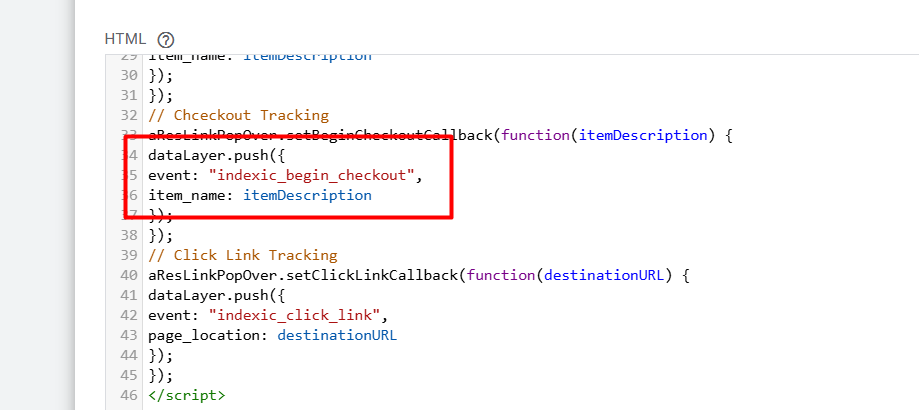
Check out the code; every time someone completes the checkout, at which time the name of the event will be pushed in the data layer. It will be “indexic_begin_checkout.”
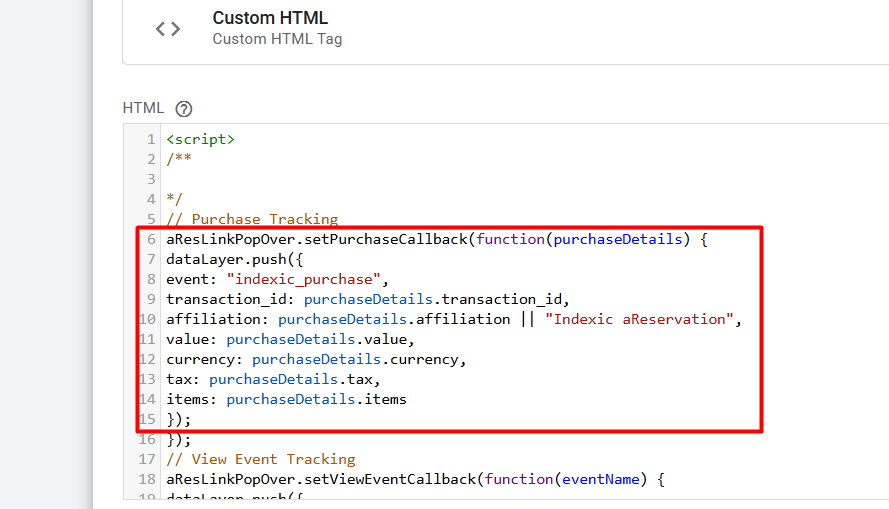
In the same way, you can see here in the code how the purchase event will be pushed in the data layer. Also, a lot of data with the purchase event in the data layer. At the time we don’t have any card; that’s why we can’t show you the things.
Trigger Setup
After getting the event in the data layer, now it’s time to set up the trigger. So to do it, go to your trigger section and select “Custom event” as your trigger type.
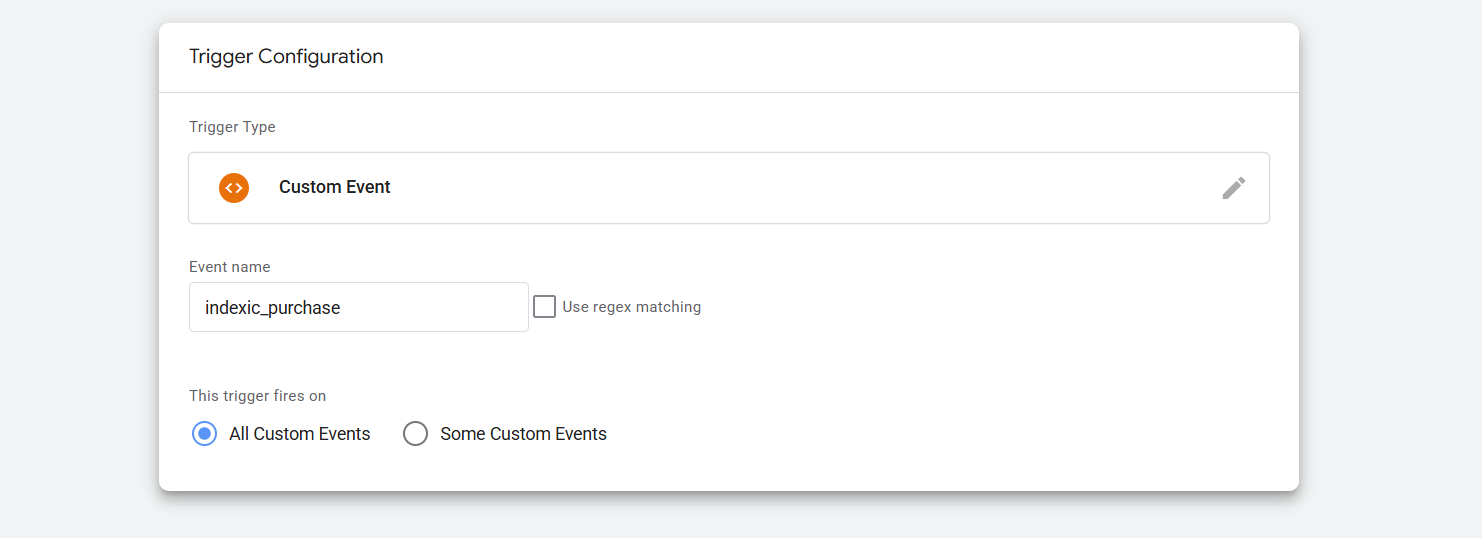
And then in the place of the event name, place your targeted event name. In this way you can complete the trigger setup
If you already read our previous article about data layers, now you know how to collect data from events through the variables.
So enjoy the tracking and don’t miss any single data. But yes again, don’t forget to share anything with us if you want.