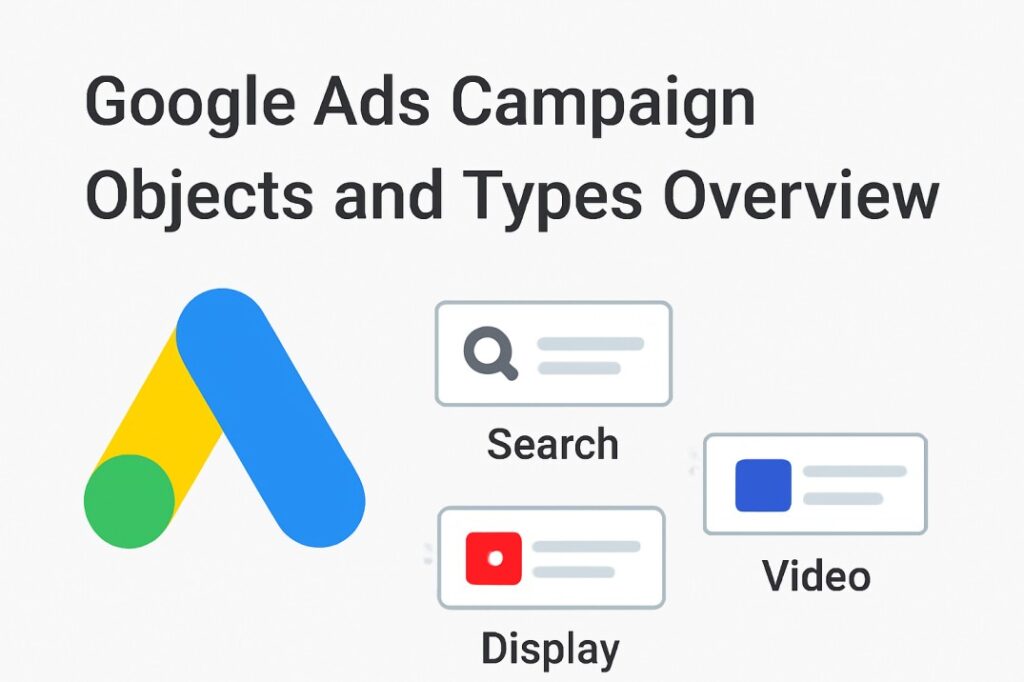
Google Ads Accounts Structure
In the Google Ads account we can see a lot of things, but at this time we will talk about the campaigns.
Every time, first we will go in the Google Ads, and then we can start the campaign setup. Here, the first person is the Google Ads account, and the second one is “Campaign.” In the Google Ads account we can create up to 10k campaigns.
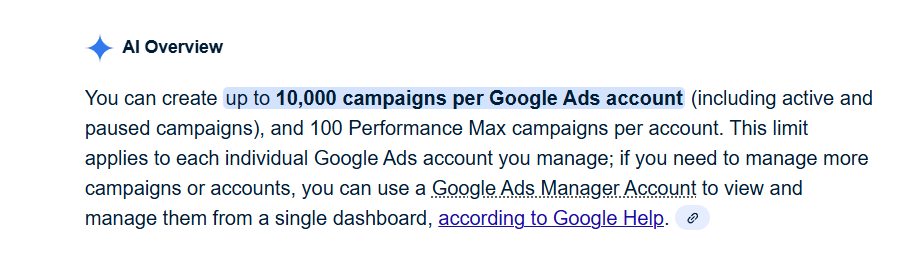
Campaign: A Google Ads campaign is similar to a marketing mission: to win the war for clicks and conversions, you choose the tools (ads), target the adversary (audience), and set the goal!
So here, if you start creating the “Campaign,” then you will get the next structure, and the next one is “Ad Group.”
Ad Group: Similar to a basket, an ad group is where you place all of your related ads. If you sell shoes, for instance, you could have one basket for advertisements for running shoes and another for advertisements for casual shoes.
Think of it like this:
- Campaign is the big goal—like “Sell Shoes.”
- Inside that, you have ad groups—like “Running Shoes” and “Casual Shoes.”
- Each ad group has its own ads—the actual pictures or text that show up to people.
We create ad groups for a lot of reasons. Sometimes for the same product we want to try two or more different types of customers or something else. That’s why we create different ad groups to target these different things. In a single campaign, we can create up to 20k ad groups.

After completing the “Ads Group,” the next structure that we will get is that of “ads” & “keywords.”
Keywords: A keyword is just a word or phrase that triggers your ad when someone searches for it. It’s like telling Google, “Hey, show my ad when people search for this!” In this section we put our targeted keywords.
Ads: The text that people will see when our advertisement appears is created in this section. In addition, we include videos, pictures, and anything else that clients will see.
This is the simple structure of the Google Ads accounts for the campaign. We will talk in detail about every single step in the next article. But at this time, let’s talk about the campaign objects.
Overview of all the Google Ads Campaign Objects
To create a successful campaign, it’s really important to know the actual need first because then, according to the needs, we have to select our campaign object. But yes, also we have to gather knowledge about campaign objects because without the objects’ knowledge it will be hard to pick the perfect one for our campaign. Let’s check out all of the campaign objects.
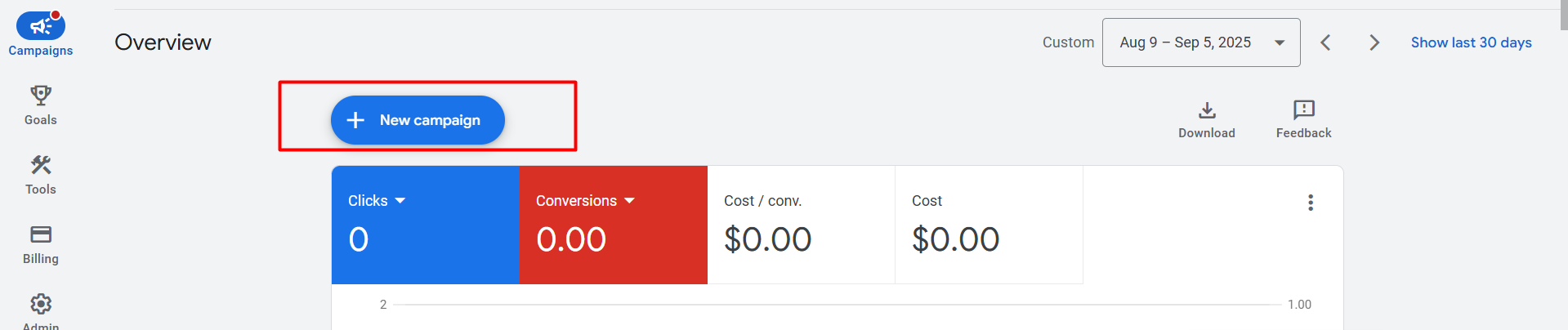
To get the “Campaign Object” first from here, you have to click on the “New Campaign” button.
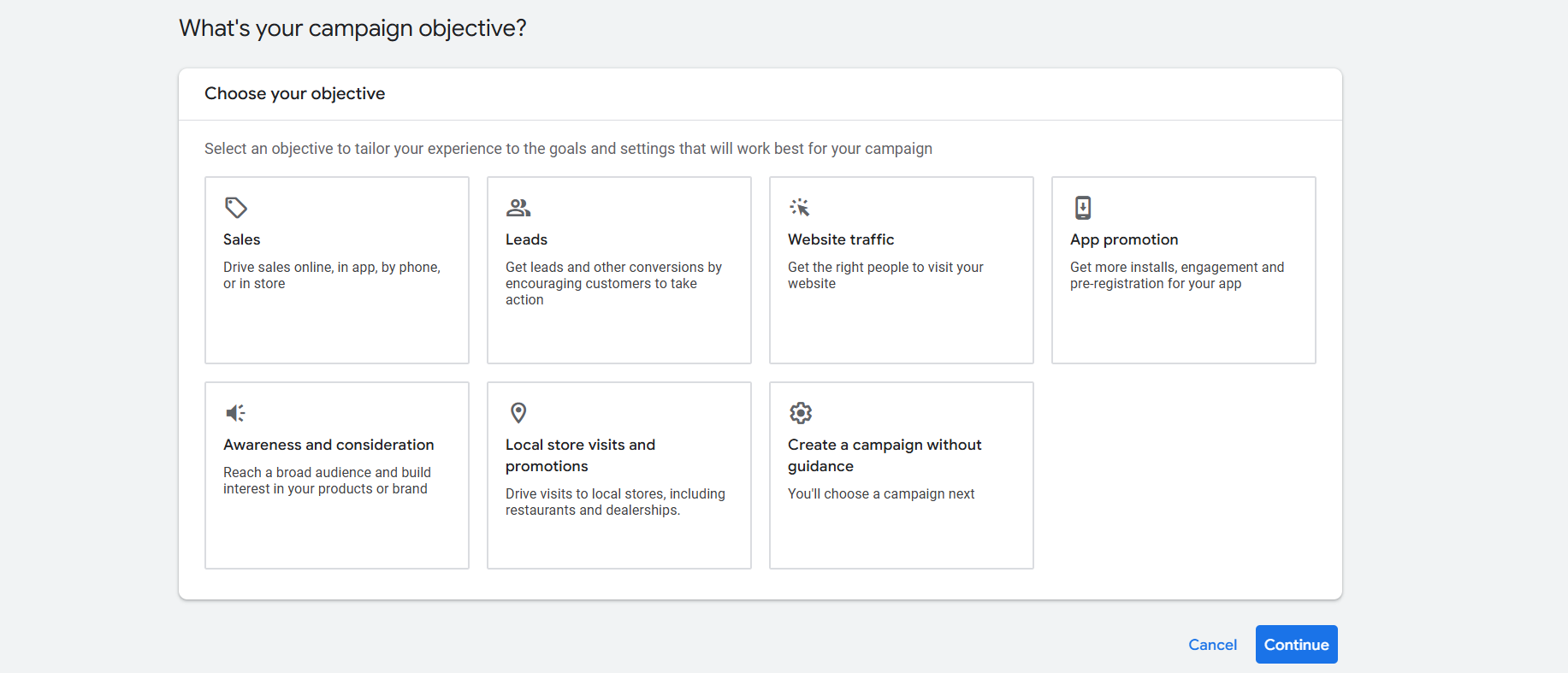
Then the next page will look like this. Here you can see a total of 7 objects. Let’s go one by one.
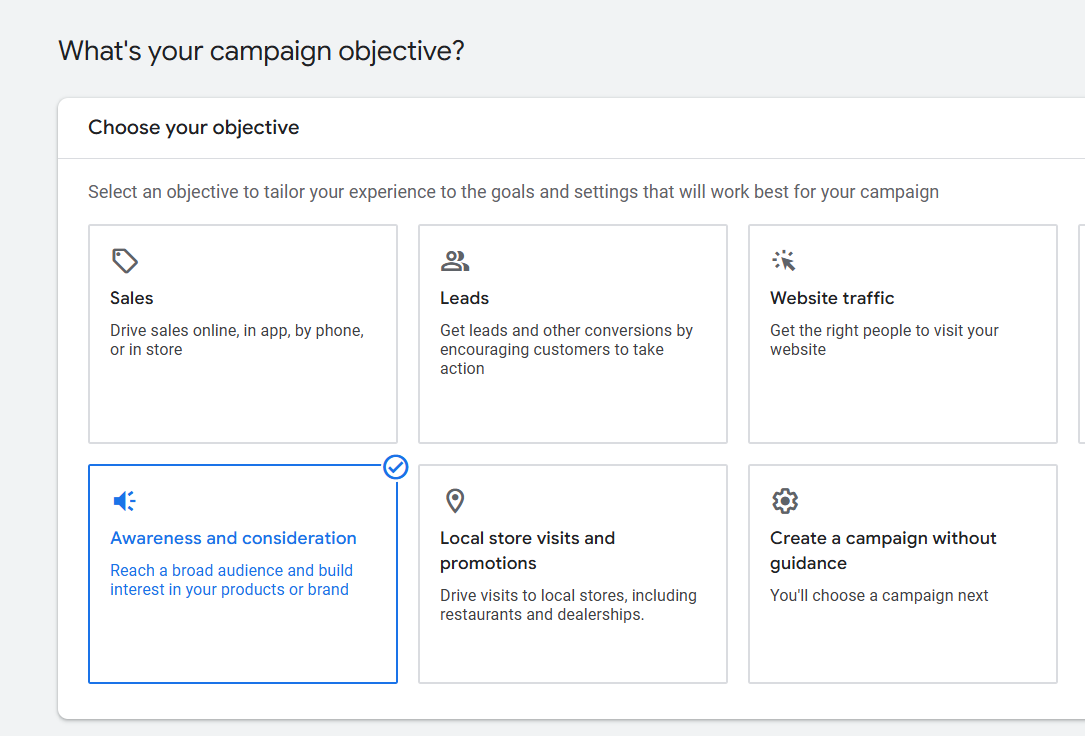
Awareness and Consideration: People learn about your brand or product for the first time at this point. The goal of these advertisements is to attract attention, such as by introducing your brand to potential clients. People are considering making a purchase at this time. At this point, advertisements try to persuade them to pick your product over competing ones by providing discounts or additional details.
When we are launching a new product, have a new offer, or are starting a new business, we usually use this kind of goal. This objective’s primary goal is to raise consumer awareness of our brand, offerings, or products to get them to think about us.
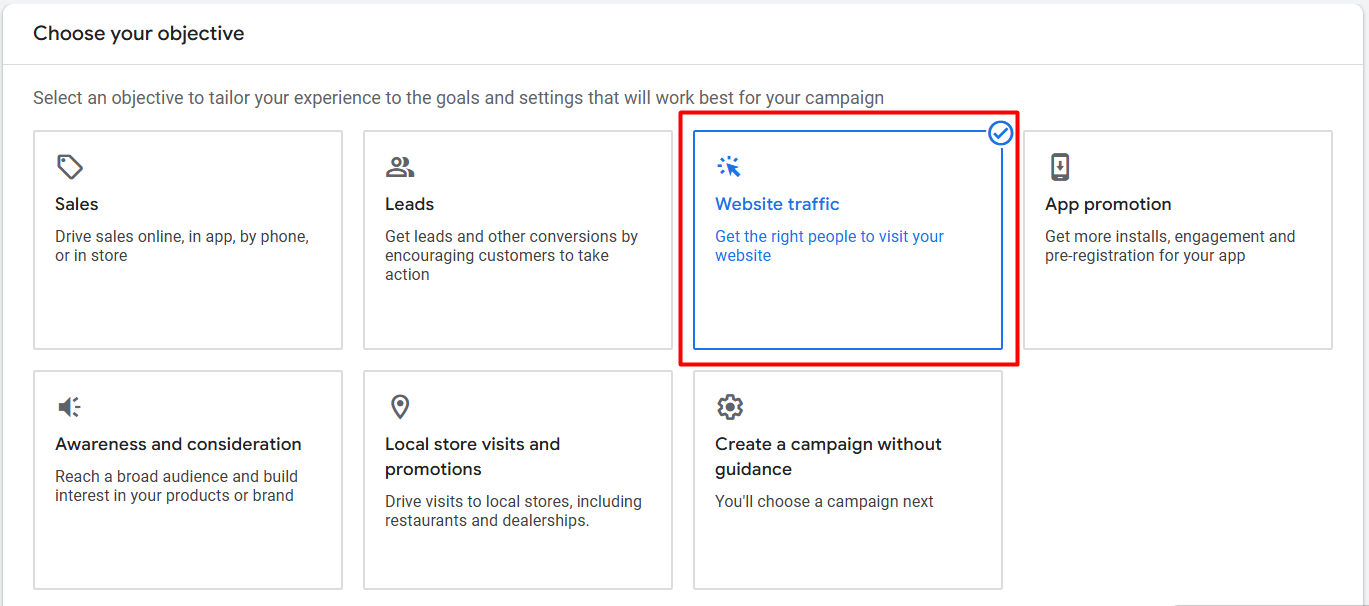
Website Traffic: The goal of Google Ads’ Website Traffic objective is to increase website traffic. Getting people to click on your advertisement and visit your website is the main goal.
The website traffic goal works well in the following situations:
- You want more people to browse your products or services on your website.
- You wish to boost views on your blog, content website, or informational pages.
- You need to increase initial visits for a new product or service that you are launching.
- You have special offers or promotions going on that require more publicity.
Also sometimes we can choose this object to get our targeted traffic if we don’t have Google Merchant Center to run shopping ads for our website or if we want to sell our services. That will be covered in the upcoming article.
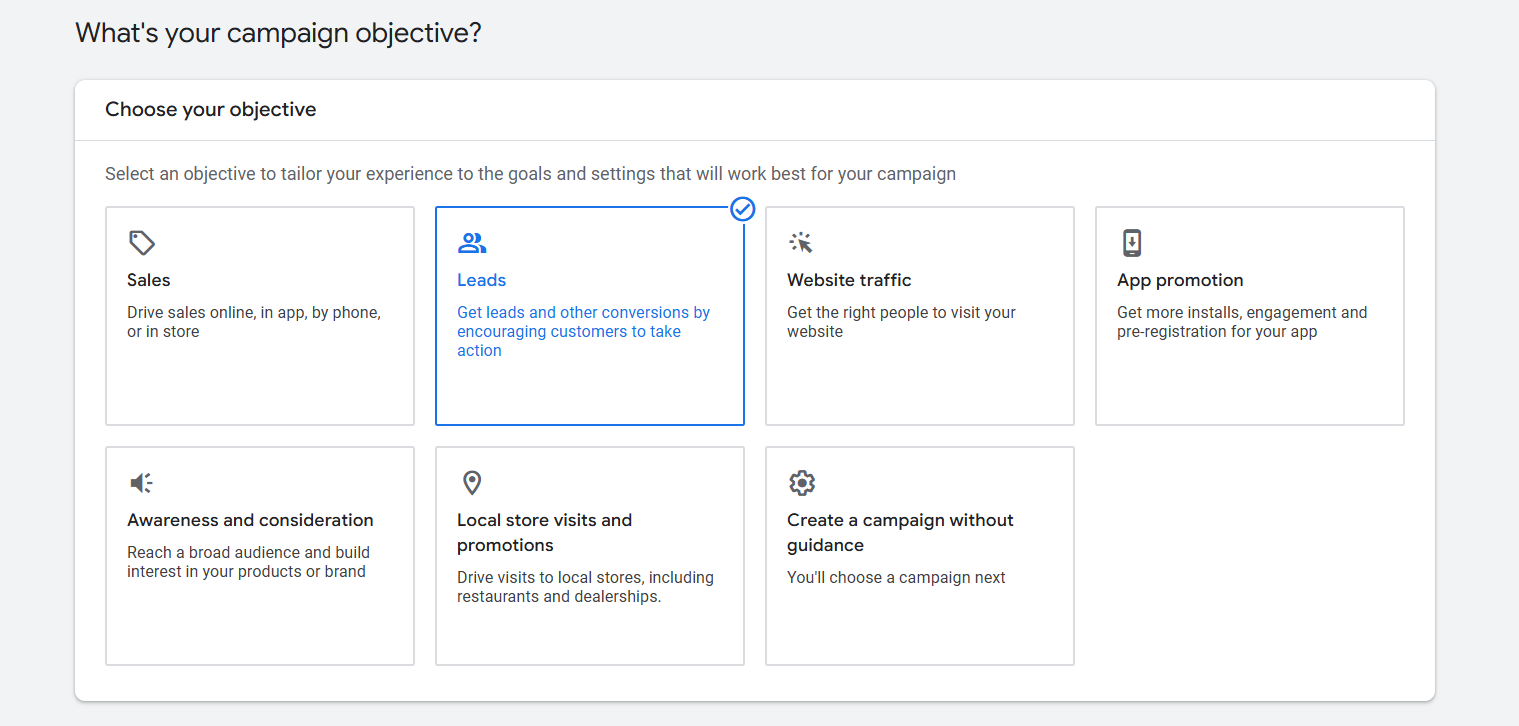
Leads: The goal of Google Ads’ Leads objective is to encourage prospective clients to express interest in your company by completing tasks like submitting a contact form, subscribing to a newsletter, or asking for more details.
Imagine you have a lemonade stand. People walk by and wonder, “Hmm, is that lemonade any good?” With the Leads objective, you can say, “Hey, leave your name, and I’ll tell you all about my super-secret lemonade recipe!”
Especially when we want to reach targeted individuals who are more likely to become customers, we use the Leads objective.
For instance, this goal would be used to encourage people to sign up for a free trial or more information if we were running a campaign for a new online course. Since not everyone will buy right away, but they might be interested later. The objective is to collect contact information from the appropriate audience so we can follow up with them later!
So if you think you need more and more leads and are really interested in your product or service or whatever you are doing, then you can select this object to get the perfect lead from the perfect person.
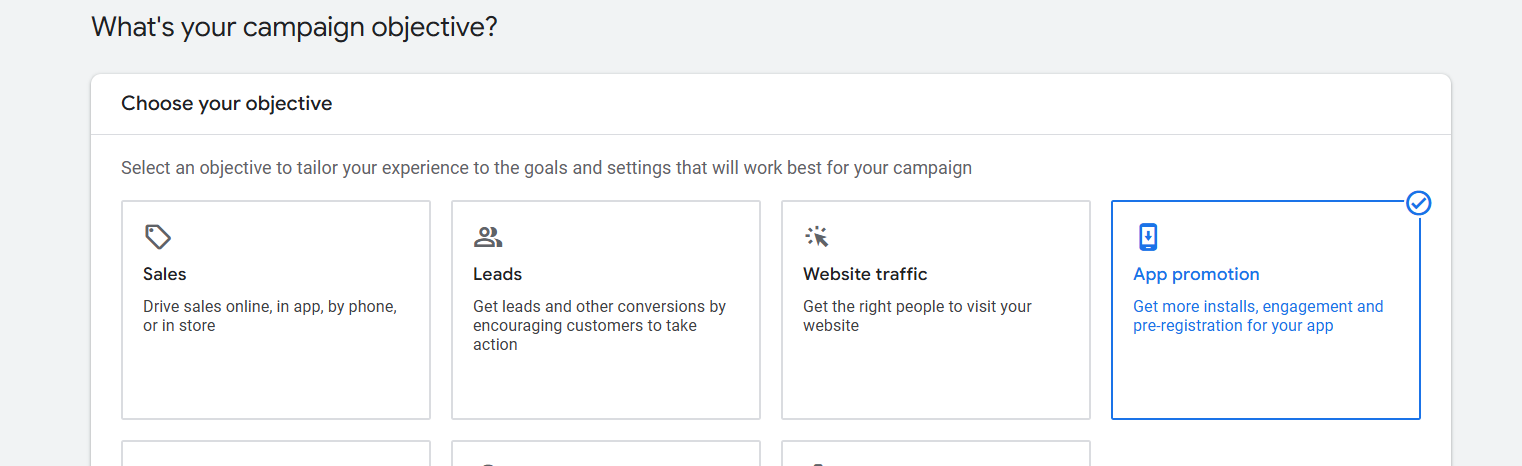
App Promotion: When you want to increase the number of people who download and use your app, you use the App Promotion objective.
This goal aids in reaching users who need to install your app on their phones or other devices.
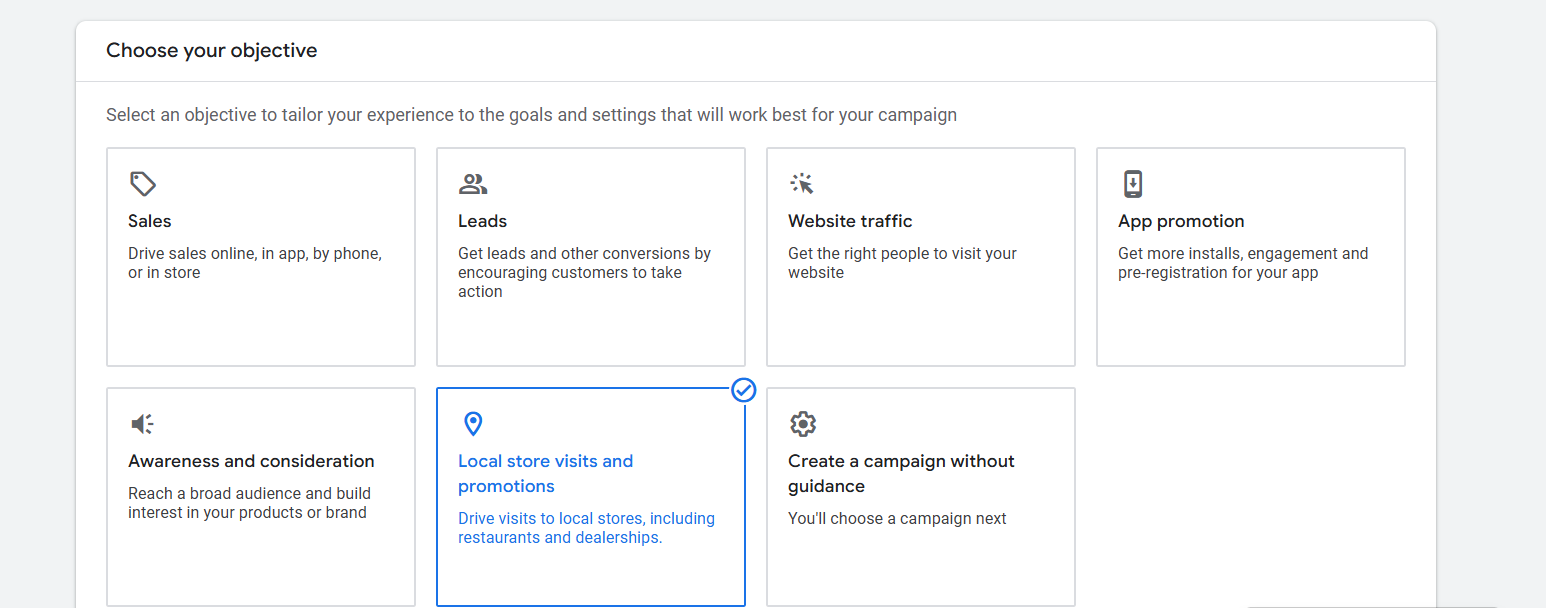
Local Store Visits and Promotions: When you want to increase the number of people who visit your physical store or place of business, you use the Local Store Visits and Promotions objective.
It enables you to display advertisements to nearby residents, enticing them to visit and take advantage of exclusive deals or promotions.
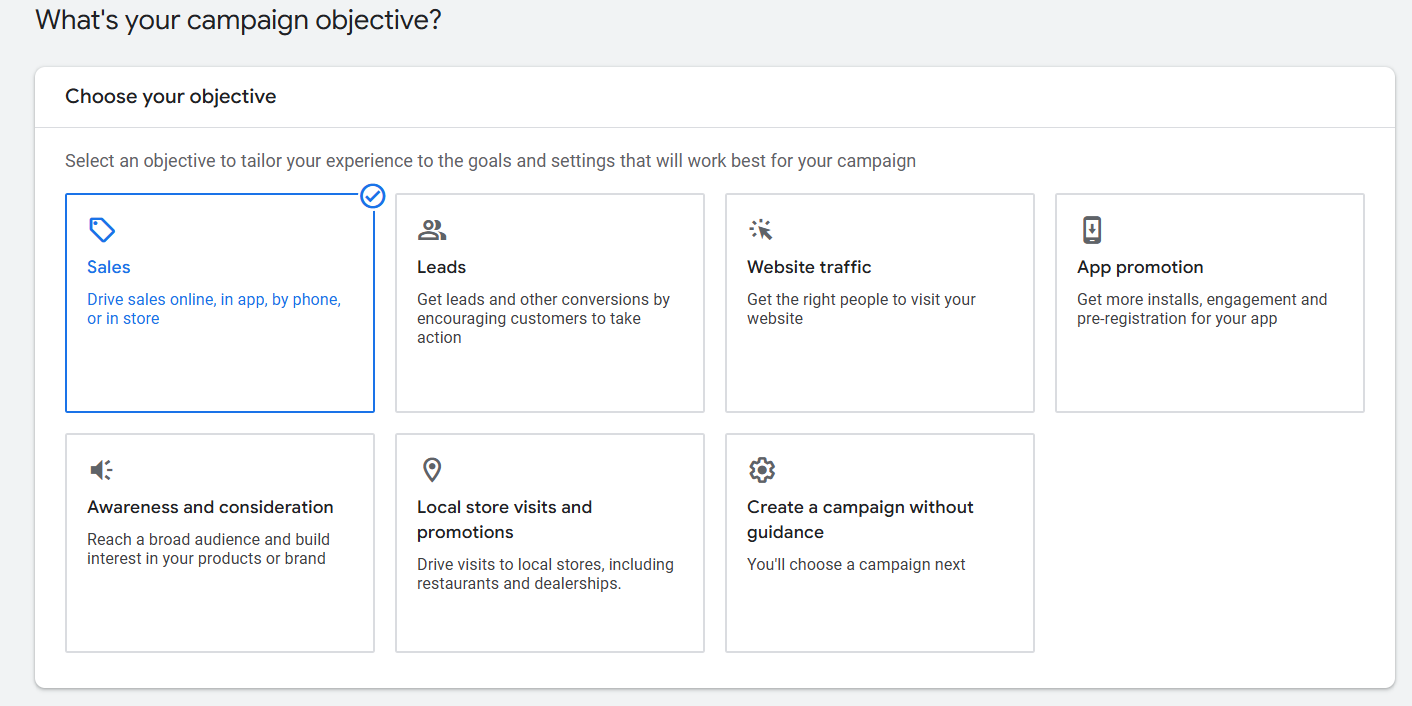
Sales: Getting people to buy something is the main goal of sales objects. This objective assists you in creating advertisements that persuade consumers to make an immediate purchase, regardless of whether you’re selling goods or services online.
Similar to putting a “Buy Now” button on a large sale banner, you’re making it incredibly simple for customers to click and make a purchase!
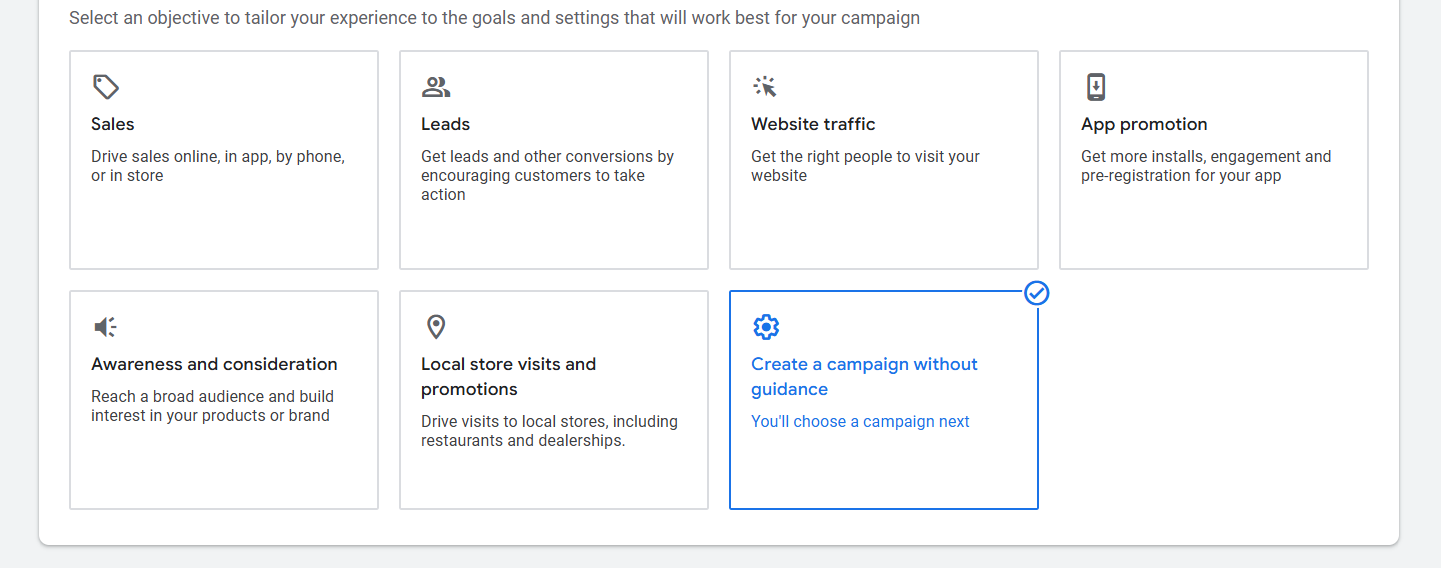
Create a Campaign Without Guidance: With the “Create a Campaign Without Guidance” option, you can start from scratch and create a campaign without any detailed instructions or recommendations. Making your own decisions about where to go and how to get there is similar to deciding to drive your car without a GPS.
You have complete control over everything, including targeting and settings, so use this when you’re seasoned or know exactly what you want!
Select a campaign type
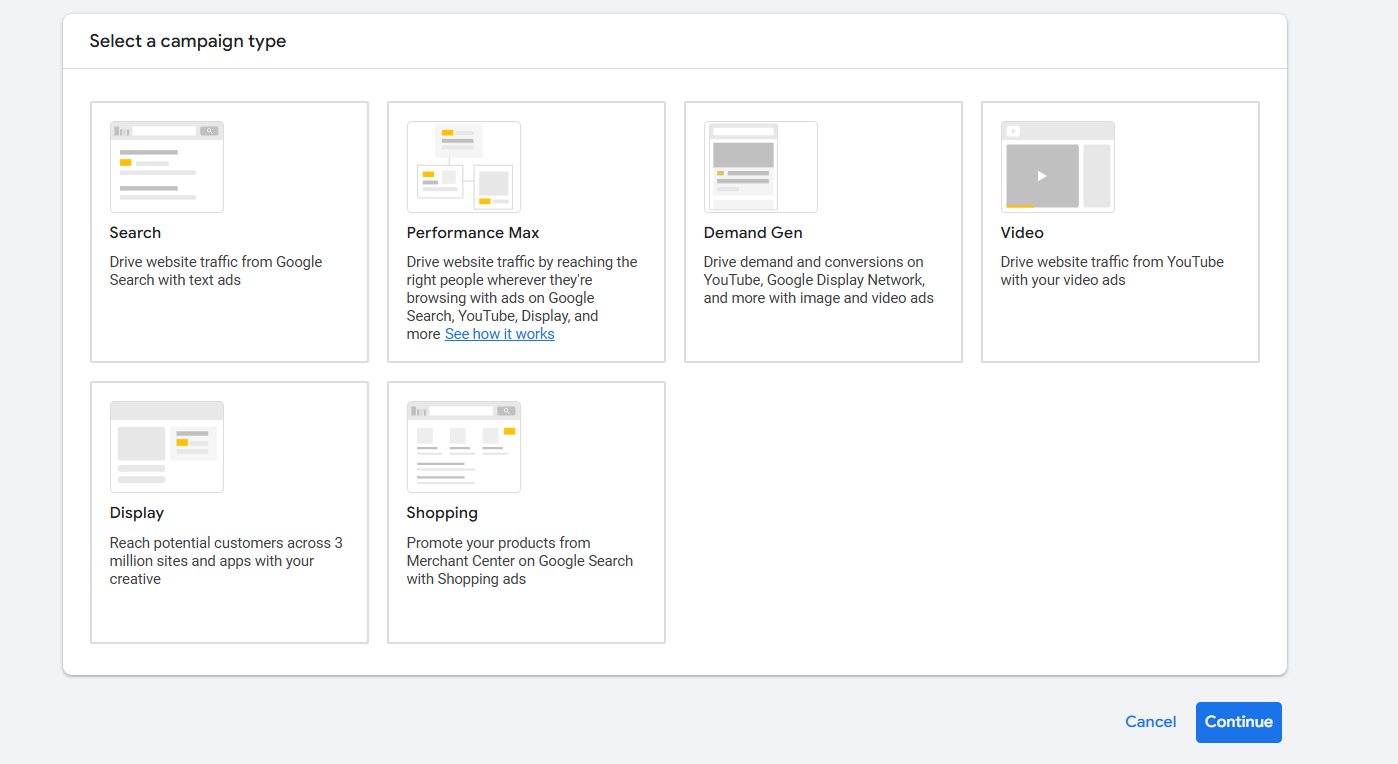
After selecting an objective, it’s crucial to choose the right way to reach your targeted audience. Picking the right objective is great, but understanding how to get the traffic you want is just as important. You need to know where your audience spends their time, what websites they visit, and how they search for products or services like yours.
That’s why, after choosing your objective, it’s equally important to pick the right campaign type. The right campaign type helps you reach the right people in the right places, ensuring your traffic comes from the most effective sources.
Let’s go check and get the details for every single “Campaign Type” from here.
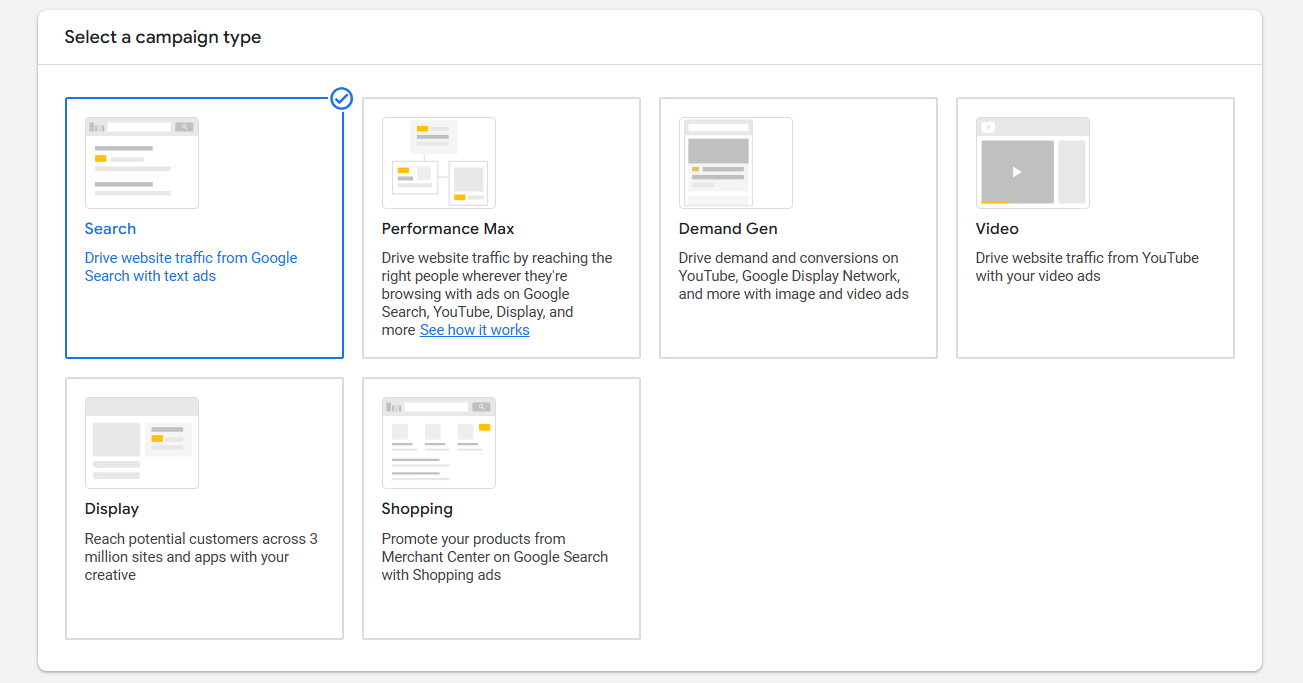
Search: When someone searches for something related to your business on Google, your ads are displayed as part of a search campaign. If you sell shoes, for instance, your advertisement may appear when a user searches for “buy running shoes” on Google.
It’s similar to putting up a sign that reads, “Hey, I have what you’re looking for!” at the exact moment that someone is trying to find it. Ideal for drawing in customers who are already considering your offerings!
So if you think most of the targeted customers normally search for their needs, then definitely you can choose this “Search” campaign type.
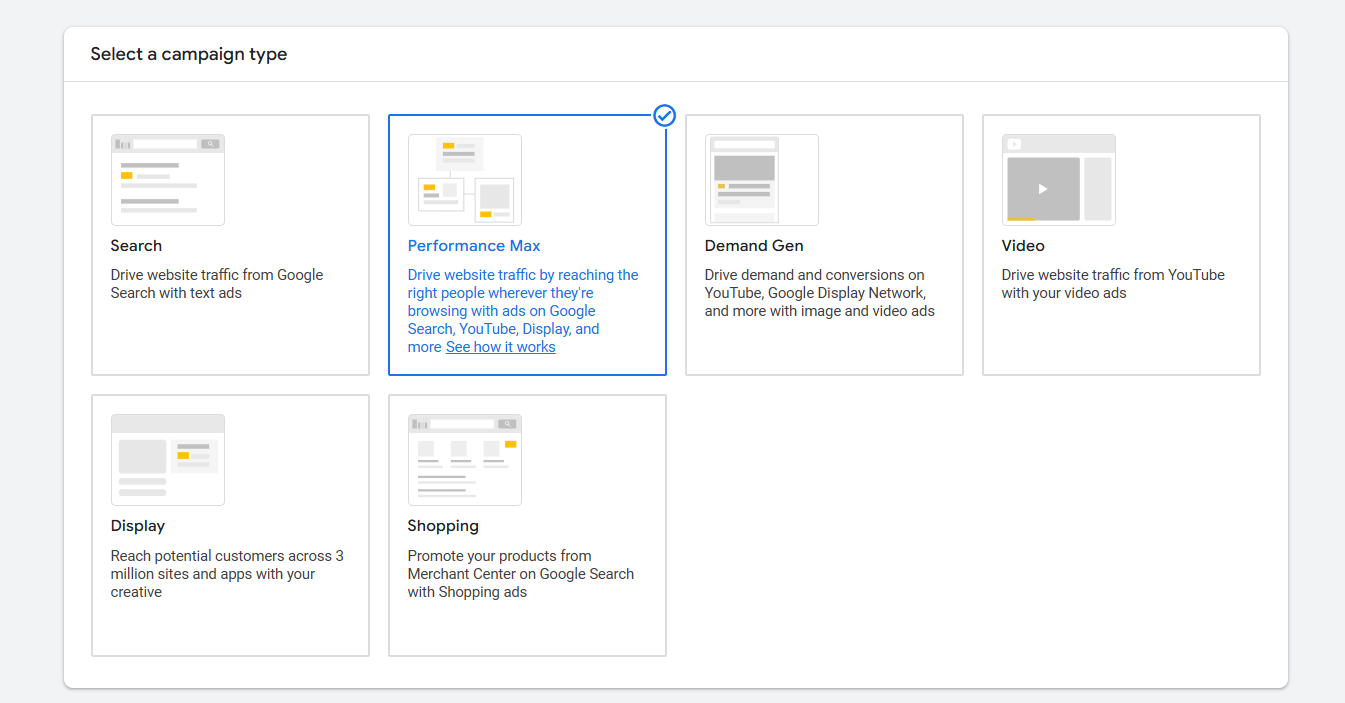
Performance Max: With just one campaign, you can run ads on all of Google’s platforms (Search, YouTube, Gmail, Display, etc.) with Performance Max. It optimizes your ads using machine learning so that they appear on all Google channels to the appropriate people at the appropriate times.
It’s similar to having an extremely intelligent robot that, without requiring you to handle each platform independently, places your ads wherever they can attract the most attention.
If you wish to streamline your advertising across all of Google’s platforms, you should choose the Performance Max campaign type. It’s ideal for companies that wish to expand their customer base without having to handle ads for every platform, such as Gmail, YouTube, or Search.
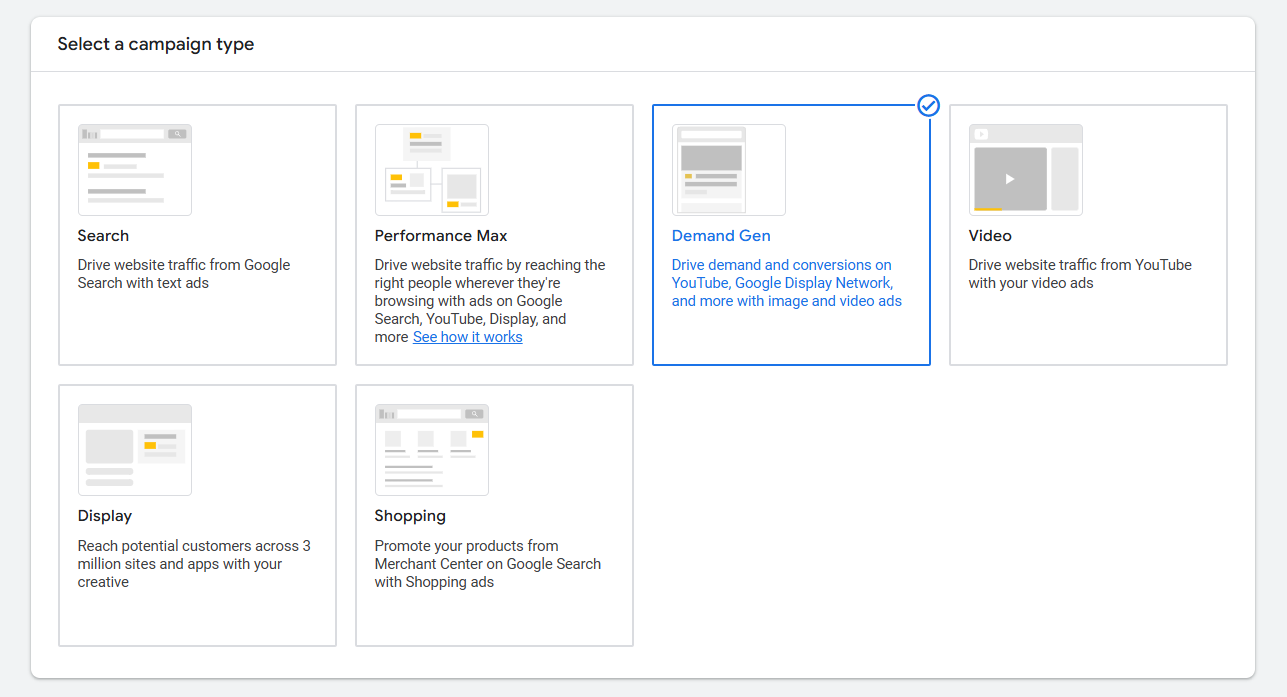
Demand Gen: The goal of a demand generation campaign is to generate demand for your goods or services by focusing on people who are interested in what you offer. But they haven’t yet made a purchase. Its goal is to raise awareness and interact with prospective buyers before they are prepared to make a purchase.
Imagine it as putting up an eye-catching billboard that piques people’s interest in your company so they will already be aware of you when they are ready to make a purchase!
If you want to generate interest in your product or service before people are prepared to buy it, you should think about implementing the Demand Gen campaign type.
This works best when you’re launching a new product, conducting a promotion, or reaching a demographic that isn’t currently shopping but might be in the future.
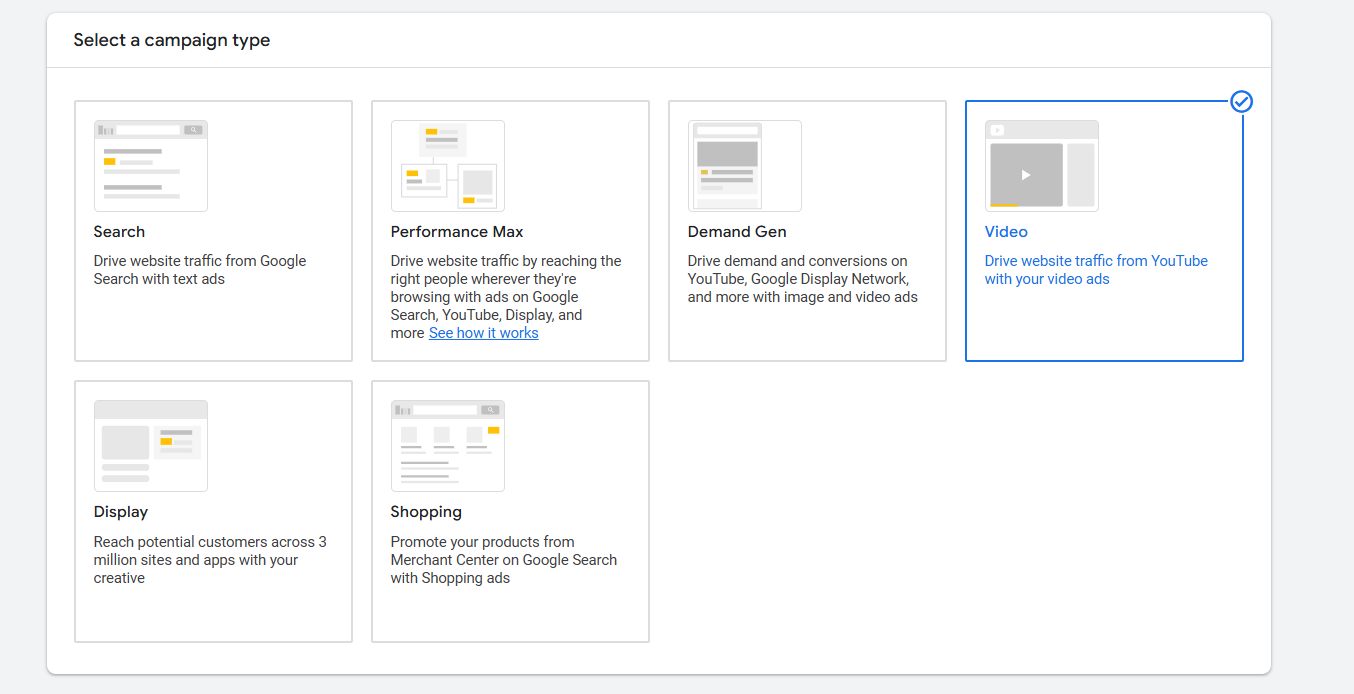
Video: You can display your advertisements on YouTube and other online video partners with the Video campaign type. It all comes down to using video content to engage and attract viewers.
When you want to capture people’s attention in a way that text and images simply cannot, you can use a video campaign. A video is similar to telling a story that evokes feelings in viewers, such as excitement, curiosity, or even laughter, when you’re launching something exciting, like a new product or a crazy sale!
Consider this scenario: You are announcing your fantastic new pizza joint to the world. “Come get pizza” is what a typical advertisement would say. A video, however, might show someone biting into that first cheesy slice while dramatic music plays in the background, their eyes brightening as if they’ve just learned the meaning of life.
People feel the product, not just see it. Additionally, they are more likely to click and act when emotions are involved!
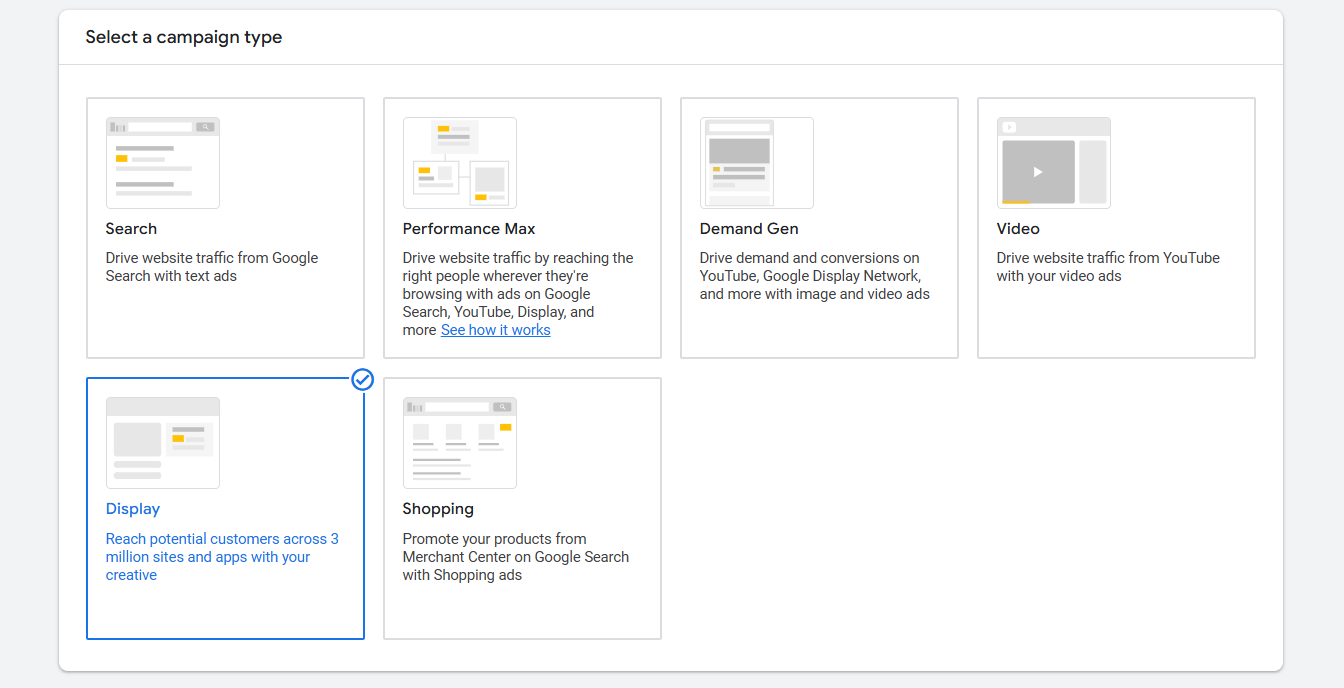
Display: You can display your ads as banners, photos, or videos on Google Display Network-affiliated websites and applications with the Display campaign type. These are the advertisements that appear on blogs, news websites, and even mobile applications.
It’s like having your advertisements show up on various billboards throughout the internet, drawing in users as they browse or use apps—ideal for increasing visibility and awareness!
When you want to surprise people with visually appealing advertisements while they’re browsing their favorite websites, reading the news, or checking their social media feeds, you’d use the Display campaign.
Imagine that everyone is chatting at a party. People say, “Whoa, where’d you get that?” when you walk in and show off a stylish T-shirt. It’s your advertisement! By simply appearing where they are already congregating and grabbing their attention, you are not disturbing them.
It’s ideal if you want to make people think, “Hmm, that looks interesting!” without them having to look for it. Display is your party trick if you want to pique their interest, make them smile, or leave them wondering!
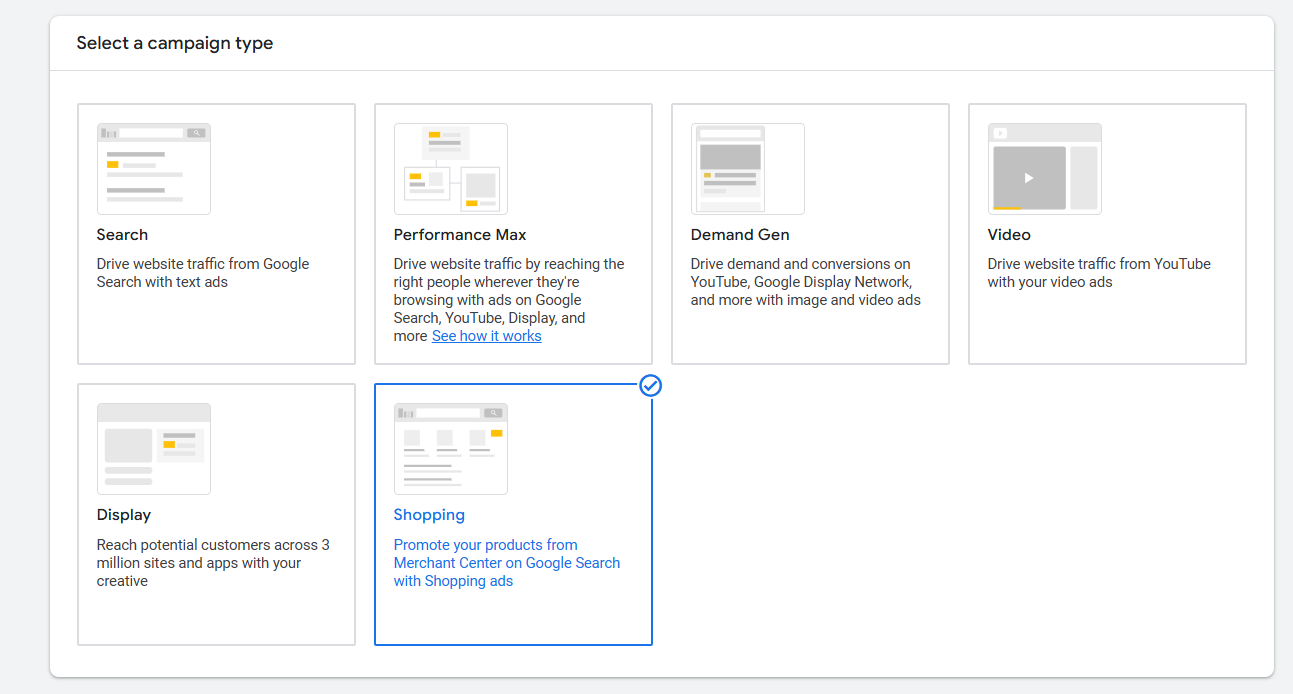
Shopping: E-commerce companies that wish to display their products directly in Google search results can use the shopping campaign type. Customers can easily see what you’re selling when they search for a product because your advertisement includes a picture, price, and the name of your store. Also,
- Google Shopping Tab: Your products are displayed alongside all of the other options when someone clicks on the “Shopping” tab in Google.
- Google Display Network: To reach more potential customers, your product advertisements may also show up on other websites and applications that are a part of Google’s network.
- YouTube: Your product advertisements may appear as video ads before other content or in YouTube search results.
- Gmail: People can easily find your products by seeing your advertisements in the “Promotions” tab of their Gmail inboxes.
Perfect! Now, we have a detailed understanding of every single ‘Object’ and ‘Campaign Type.’ With this information, we can make the best choice the next time to develop the ideal advertising campaign that appeals to our target market. Please get in touch with us if you have any questions or would like to discuss anything. For more updates, don’t forget to follow us!