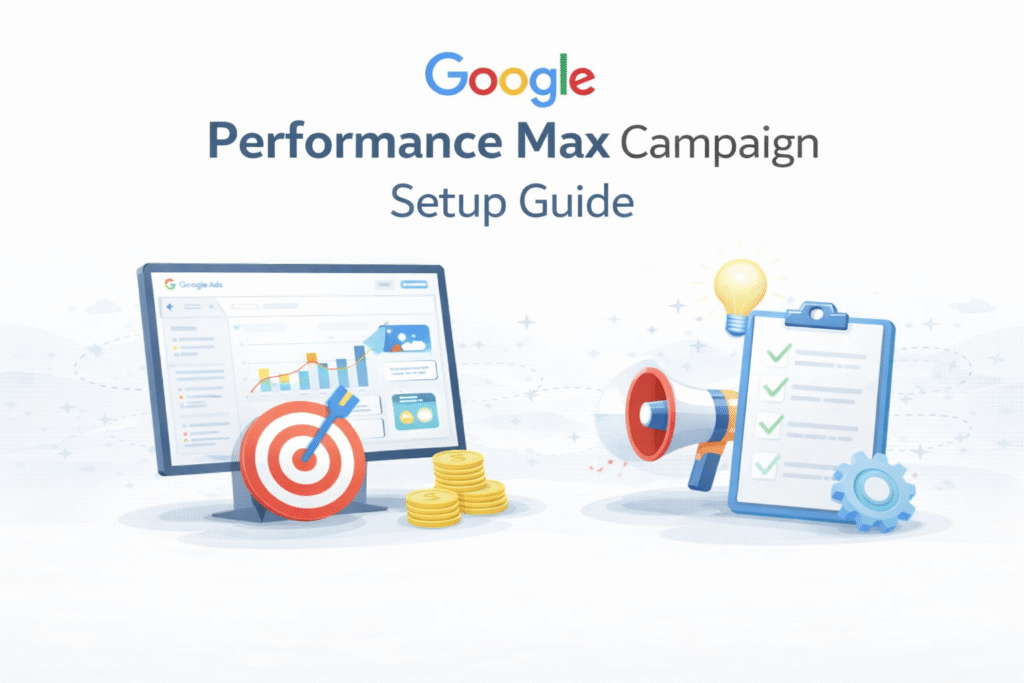
In this article, we will explore Performance Max campaigns from the ground up and guide you through the correct way to set up a Performance Max campaign.
But did you know that even though Google already had so many different campaign types, it still introduced Performance Max campaigns?
What and how it works
According to Google, when a user finally converts, that conversion usually isn’t driven by search ads alone, and it doesn’t come from just one single platform.
Every user moves through a buyer journey, engaging with different kinds of content on different platforms. In the early stage, they might watch a YouTube ad or read an informational blog. When they’re closer to making a decision, they often interact with search ads.
At this point in the funnel, users are typically searching with transactional keywords to find a product or service directly. That’s why advertisers often spend their budget only on bottom-of-the-funnel traffic while running YouTube ads separately to create awareness.
Because the main goal of any business is conversion, and it’s not always easy to understand which stage of the funnel a user is currently in or which platform they’re using at that time.
According to Google, it can track how a user moves through their journey. what YouTube videos they watch, which ads they interact with, and how they search. This helps Google predict where the user is in the funnel at any given moment, allowing ads to be shown when the chances of conversion are much higher.
Because Google’s system is so advanced, it becomes much easier for Google to identify the right audience without much effort.
From the advertiser’s point of view, many are still running only search ads. But what if that user could have converted earlier through a YouTube ad? Instead, the advertiser has to wait until the user comes back to Google, searches for something, sees the ad, and then converts—because only Search campaigns were active.
This is why Google says it can understand a user’s buying journey. When users interact with Google’s platforms, Google can tell whether they are ready to convert at that specific moment.
This is why Google encourages advertisers to share all their assets, like landing page URLs, headlines, descriptions, images, and videos, and let Google handle the rest. Google uses these assets to create and show ads across different platforms, ensuring they appear wherever potential customers are most likely to be.
This is why Google positions Performance Max as a conversion-driven campaign. It’s an automated, conversion-focused setup where advertisers have limited manual control and simply share audience signals to guide Google in the right direction.
Once your assets are shared, Google automatically mixes and matches them to create different ad combinations and displays them across various platforms.
Main Fact
The key point is that once you select Performance Max as your campaign type, Google automatically displays your ads across its entire network. Also:
- It’s fully automated—focus on conversion.
- Work on the user journey—according to Google, it’s a full-funnel strategy.
- It uses audience signals.
It’s also important to remember that Performance Max performs best when your account already has some conversion history. That data helps Google’s AI understand which type of users are more likely to convert and target similar traffic.
Let’s set up the campaign.
To set up the campaign, we have to start our journey from the beginning. So first log in to your Google Ads account.

This is your first interface. After getting the interface, click on the “New Campaign” button for the next option.
Object
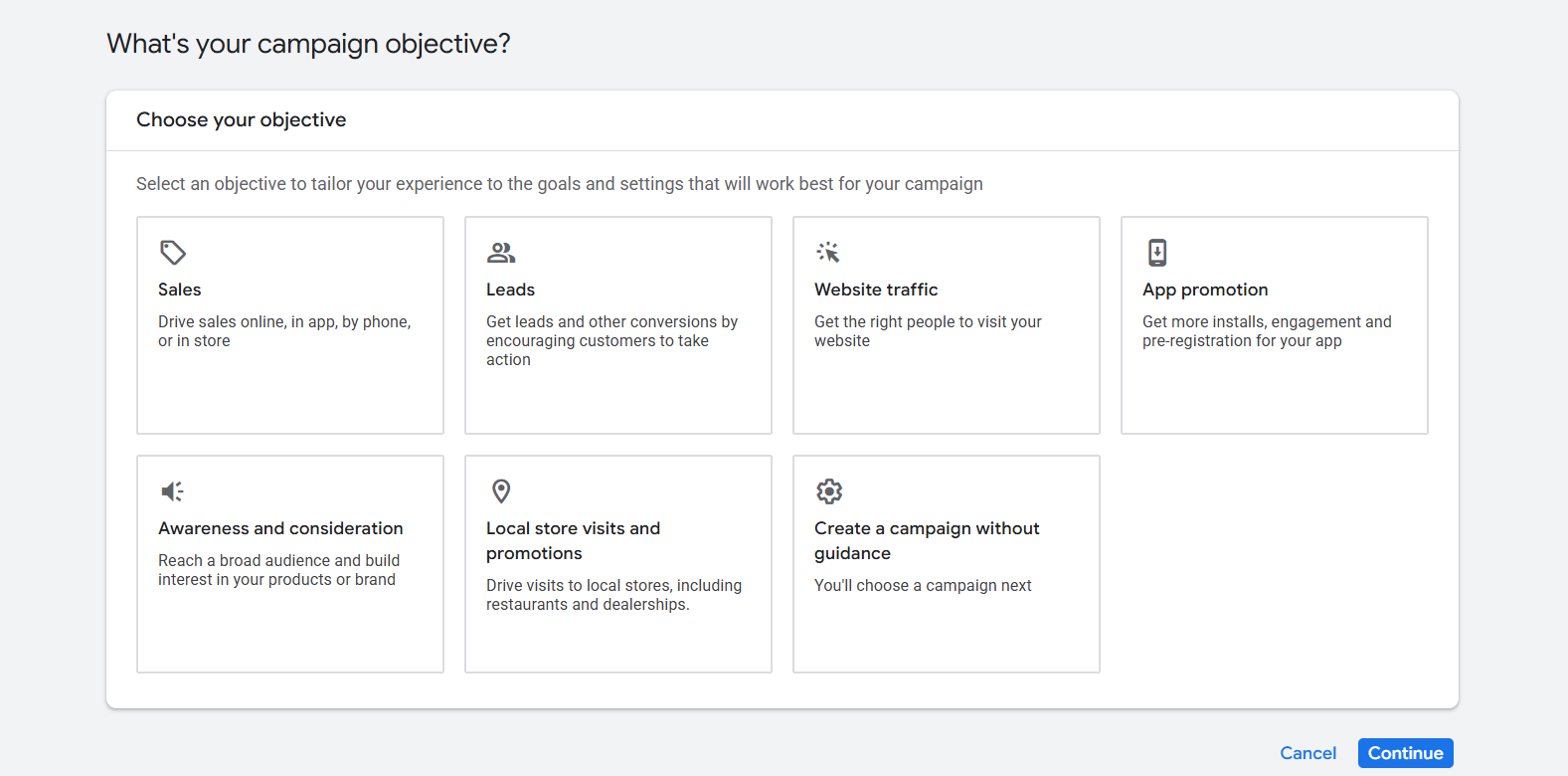
From here you have to select one object. “Object” means the main goal you want to achieve from your ads. If you don’t know much about the object, then you can read this article.
Object and campaign type explanation
Conversion Goals
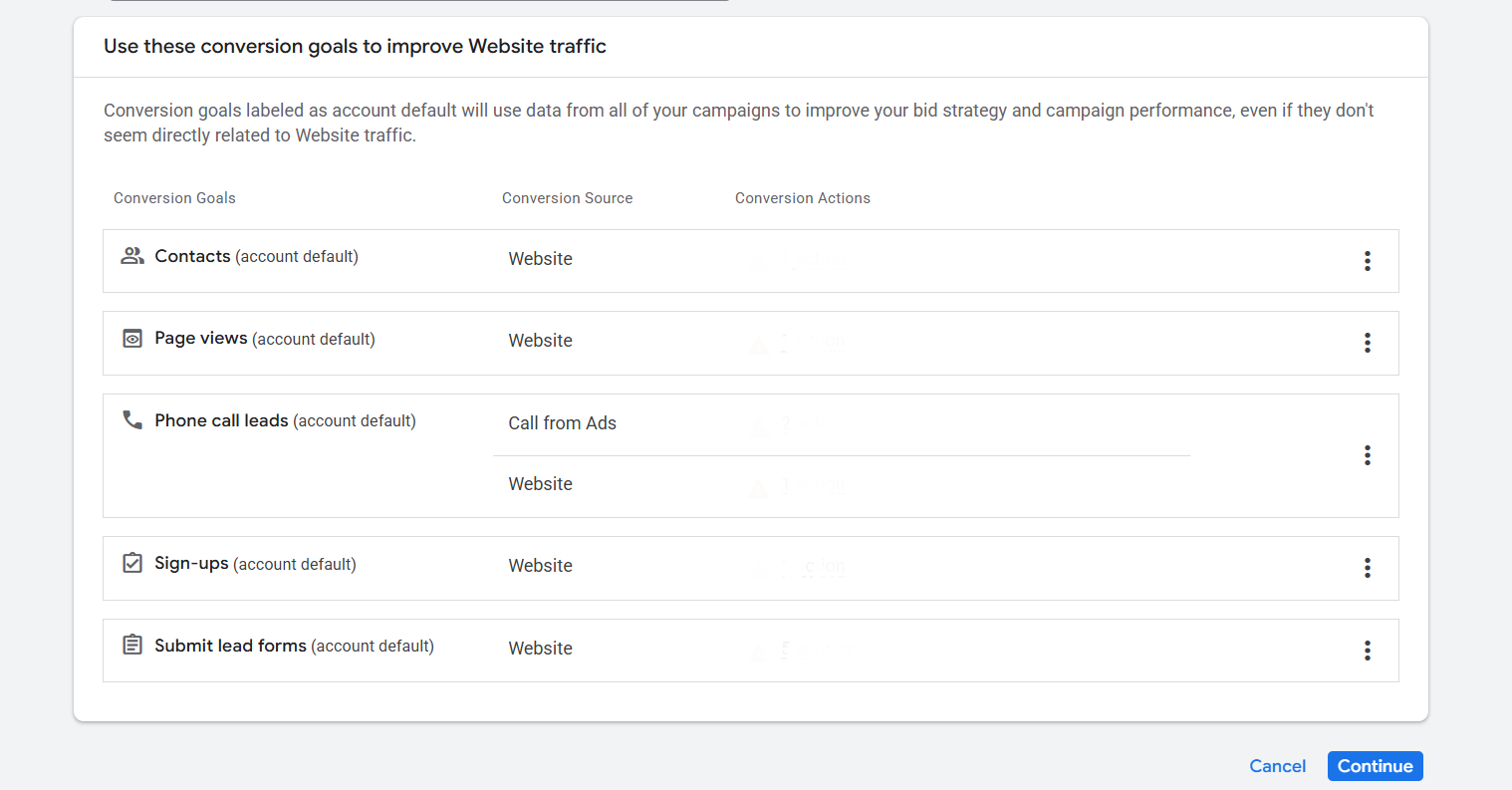
It’s important to keep only the conversions that truly matter and remove the rest. Since Google Ads is becoming more automated, setting up conversions correctly is crucial; otherwise, even a well-structured campaign can perform poorly.
Campaign Type
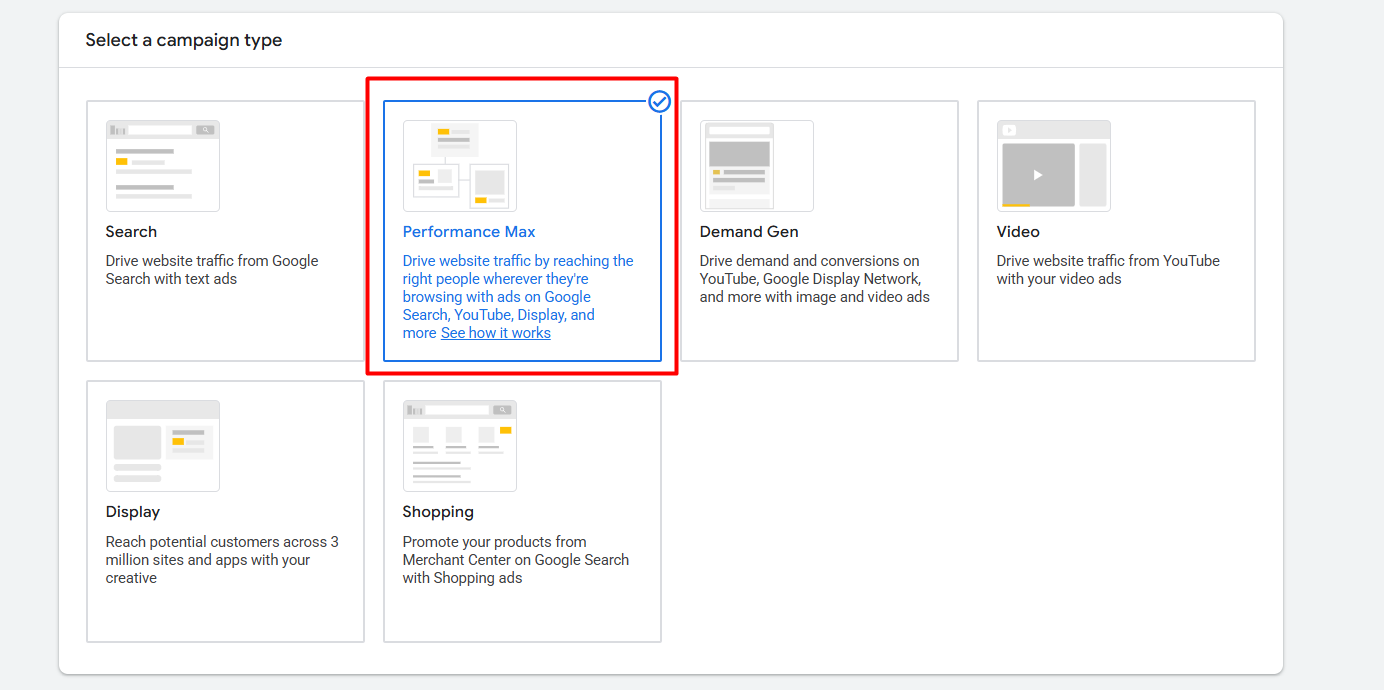
Here in the section of selecting campaign type, “Performance Max.” Because at the time we are working for that.
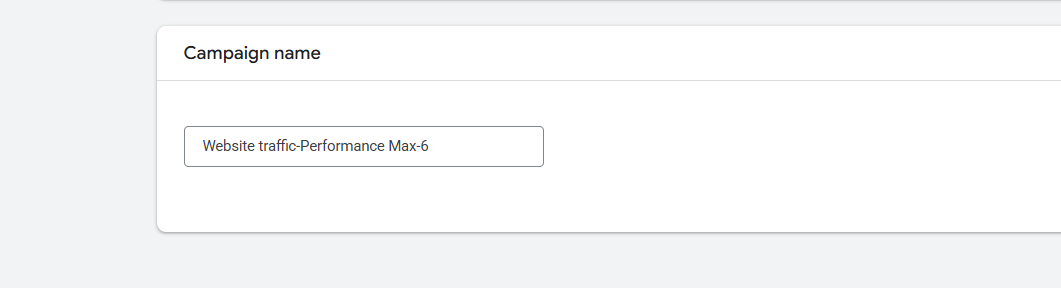
Write the campaign name, and go for next.
Bidding
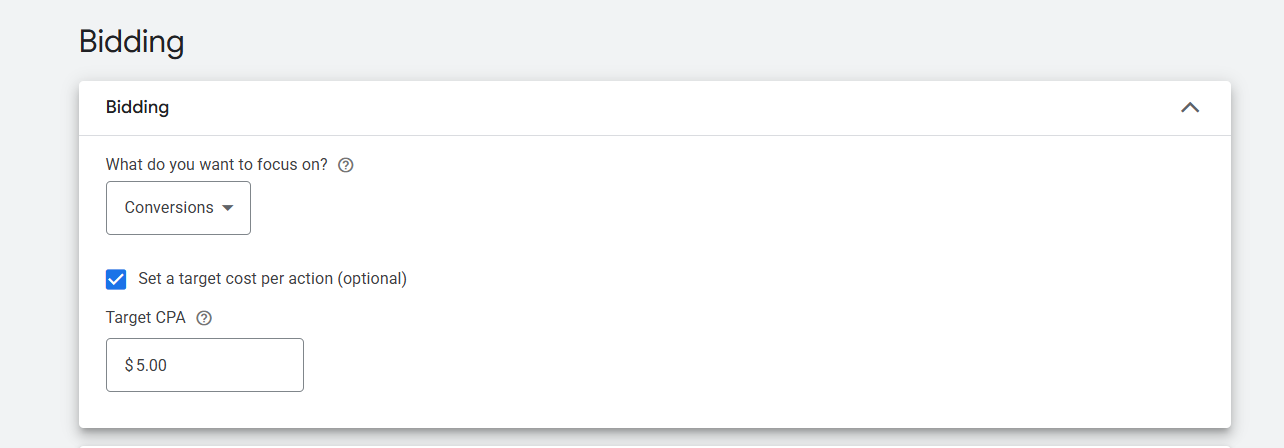
Through the bidding, you can give one order to Google that you want to get “Conversion” and “Conversion” value. In a line, bidding means the place where you select through this campaign what you want to get. If you don’t know much about bidding, you can read this article.
After selecting your targeted conversion, now here in the “Target CPA” you can write down how much you would like to pay per conversion to Google.
Customer Acquisition
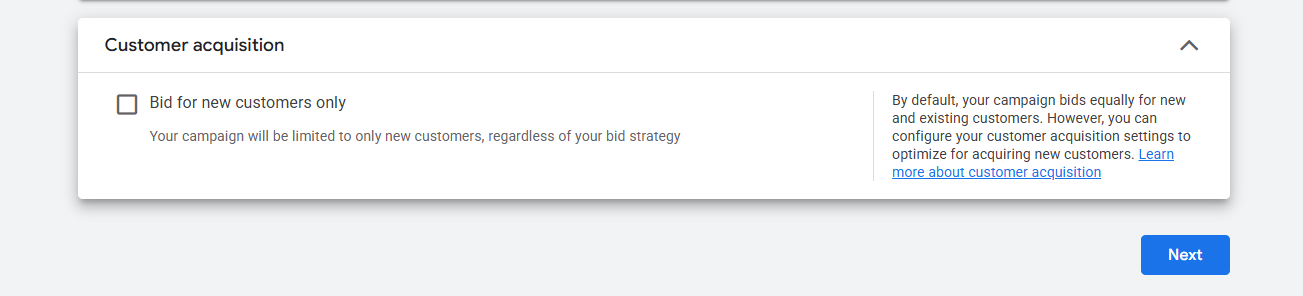
This option helps advertisers focus only on new customer acquisition. When turned on, Google delivers the ads to users who are considered new customers, even if your bidding strategy allows for broader targeting. It’s a good choice if your main goal is growth, but it may impact overall conversion volume if your existing customers make up a large part of your sales.
Campaign Settings
In the campaign setting we will do a lot of things to make our campaign more perfect, so let’s explore everything one by one, but at the start, let’s explore with location.
Location & languages
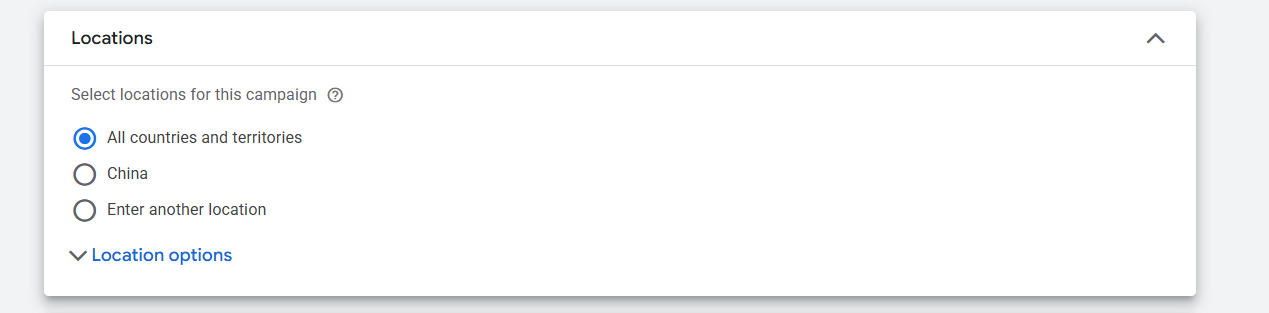
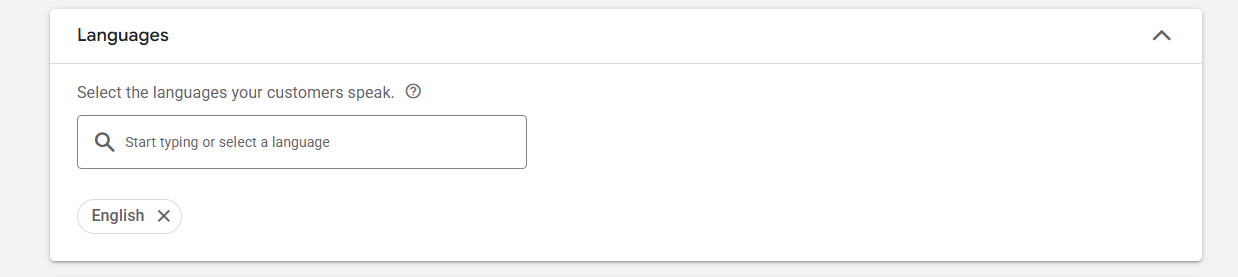
From here you can select the language and location for your targeted traffic. If you don’t know much about this, then you can read this article.
Location and language detailed explanation
EU political ads
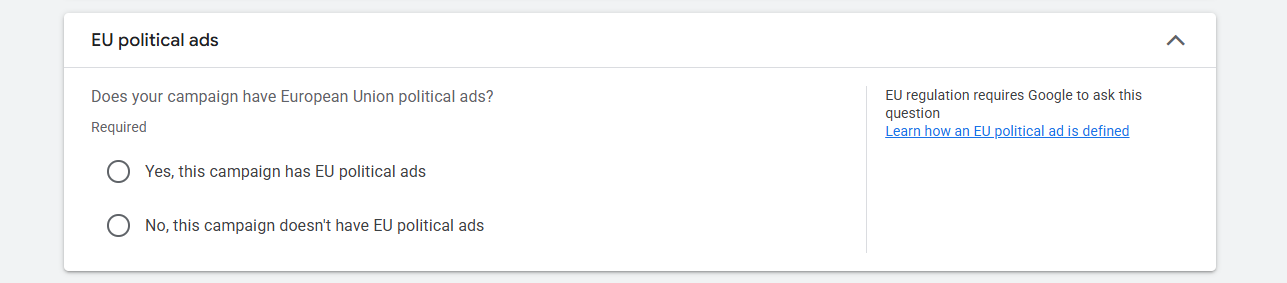
If you are running political ads under the European Union, then from here select the “yes” option. Otherwise, select the “no” option.
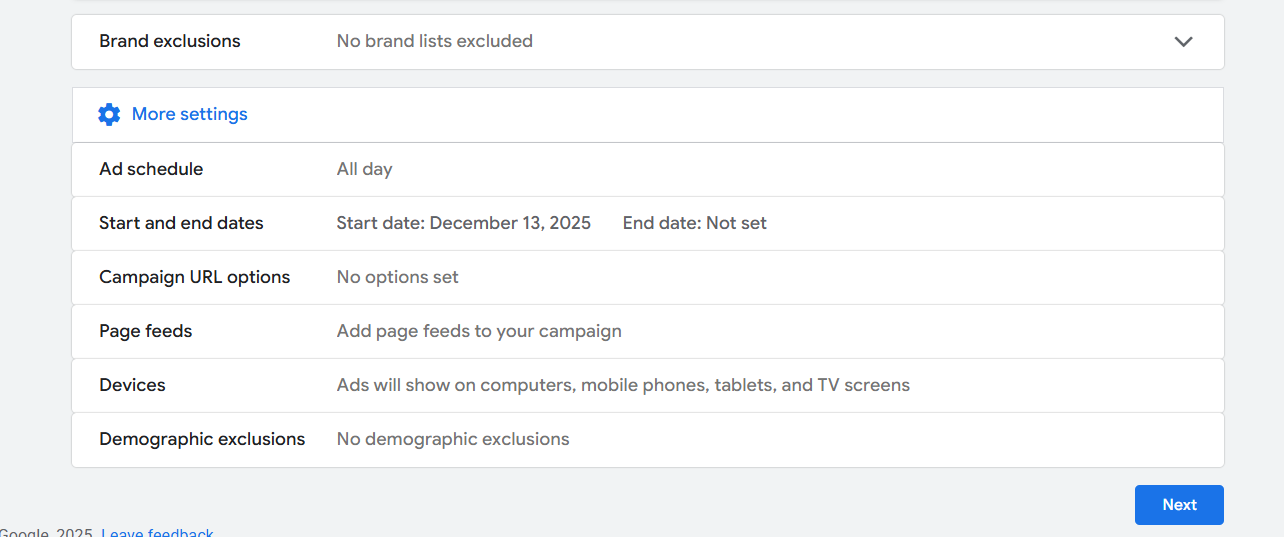
Brand exclusions: You can prevent your ads from showing for specific brand names that you don’t want to target.
Ad Schedule: Here you can choose specific hours of the day or night when your ads should run in the selected location. If you want your ads to run all day, just leave this setting as it is.
Start and end dates: Through this option you can set up which date should be the start date and which one should be the end date.
Campaign URL options: With this option you can set up UTM parameters for your campaign.
Device: From here you can select on which device or which type of device you want to show your ads.
Page Feeds: Enables you to provide a list of website URLs so Google can better match ads with relevant landing pages. But you can avoid this setting.
Demographic exclusions: Allow you to exclude specific age groups, genders, or household income segments from seeing your ads.
Asset Generation
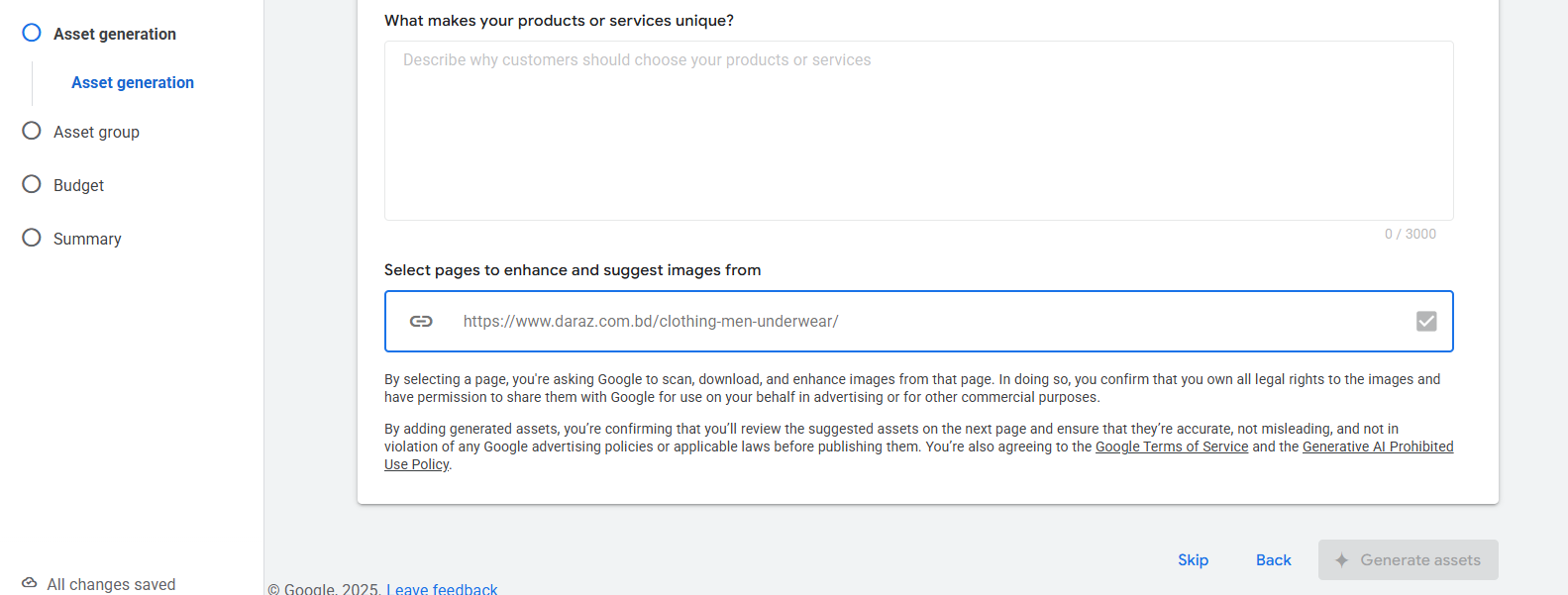
We are not going to take help from AI. So let’s skip it.
Asset
Performance Max gives us the flexibility to create multiple asset groups. But why is that necessary? An asset group is where you provide all your creatives—images, headlines, descriptions, banners, and videos. Google then mixes and matches these assets and displays them across different platforms to maximize conversions.
Many businesses sell more than one product. For instance, if you’re selling a TV remote and a mouse, it makes sense to create separate asset groups for each product. Each product has different visuals and messaging, so separating asset groups helps represent them more effectively. That’s why you can create a lot of asset groups as per your needs.
Business name

At first here, you have to write down your approved business name by Google.
Logo

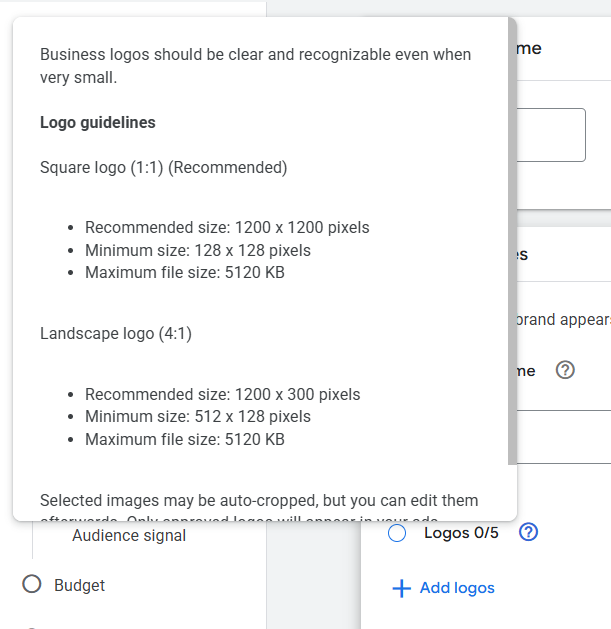
Now you have to upload a logo. You can upload a maximum of 5 different logos here. But before uploading the logo, don’t forget that this one also should be approved by Google. Here you can check the size.
After that you have to place your final URL. Also, you will have to write down the headline. You will be able to write down a maximum of 15 different headlines with a maximum of 30 characters. And at minimum you have to write down 3 headlines. But the good practice is to write down all 15 headlines.
Long Headline
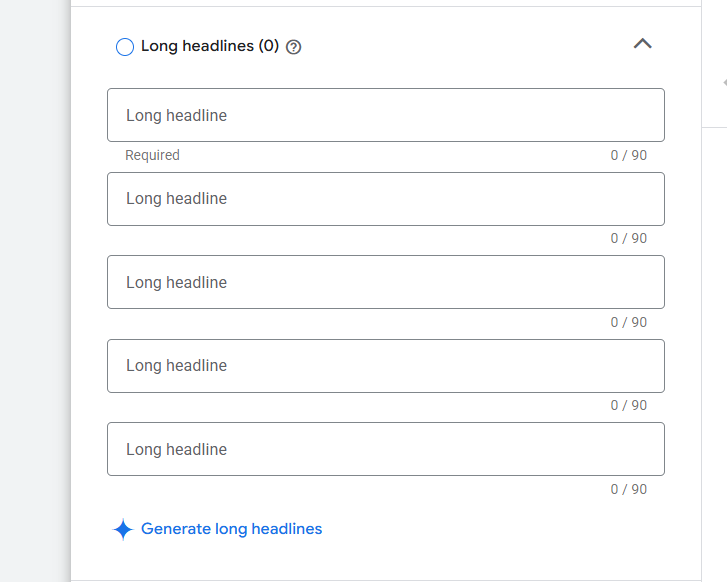
Here, as you can see, in the same way now again, you have written down more headlines. But at the time the headline length will be big. It will be 90 characters.
Description
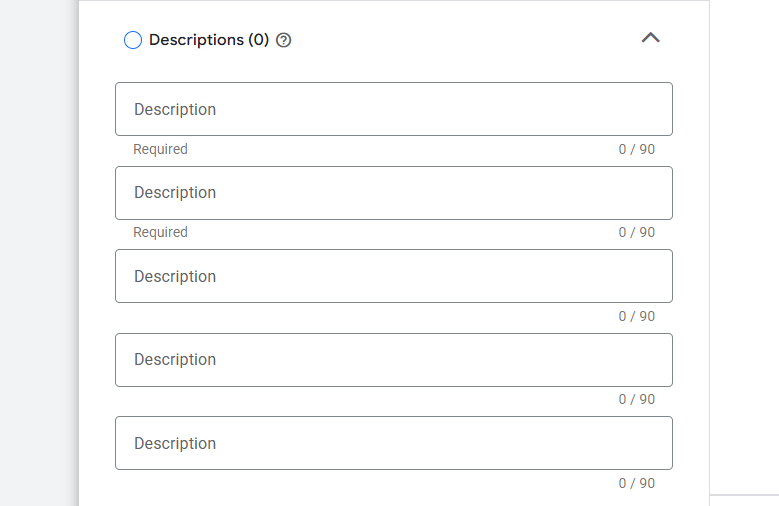
Now after completing the headline writing, you have to write down the description. Here in the place, you will be able to write down a maximum of 5 descriptions, and you will have to write down at least 2 descriptions.
If you don’t know how to write a great headline and description, you can read this article. The way of headline and description writing.
Images
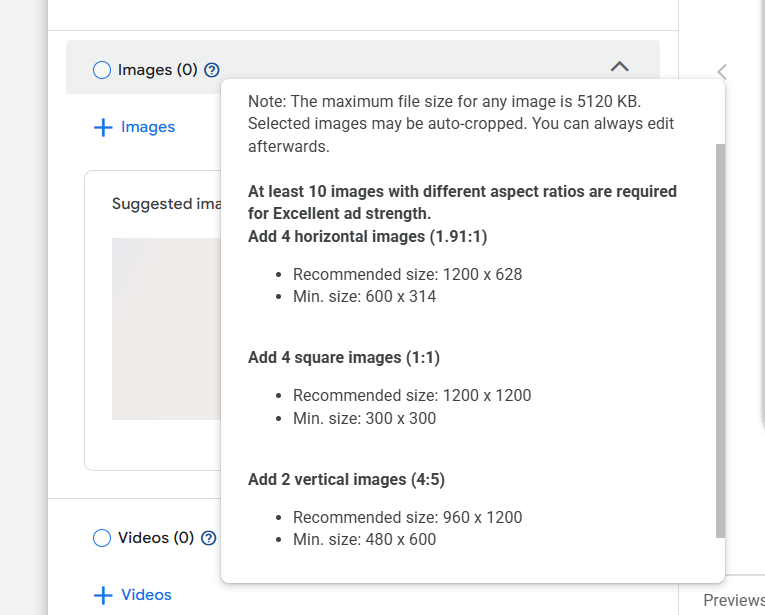
Now it’s time to upload the images. Before uploading the image, don’t forget to check the size and amount of pictures here in the details.
Video
In the same way you used to upload all of your images, now come to the video section and upload the videos. Try to upload a maximum of 5 videos. If you have a YouTube channel and in your channel you have videos, then you can use them here in the ads.
Sitelinks
Sitelinks are a really big factor in getting a good result in Google Ads. So don’t forget to create the sitelinks. If you don’t know about it, then follow the article. Sitelinks Explanation.
Signals
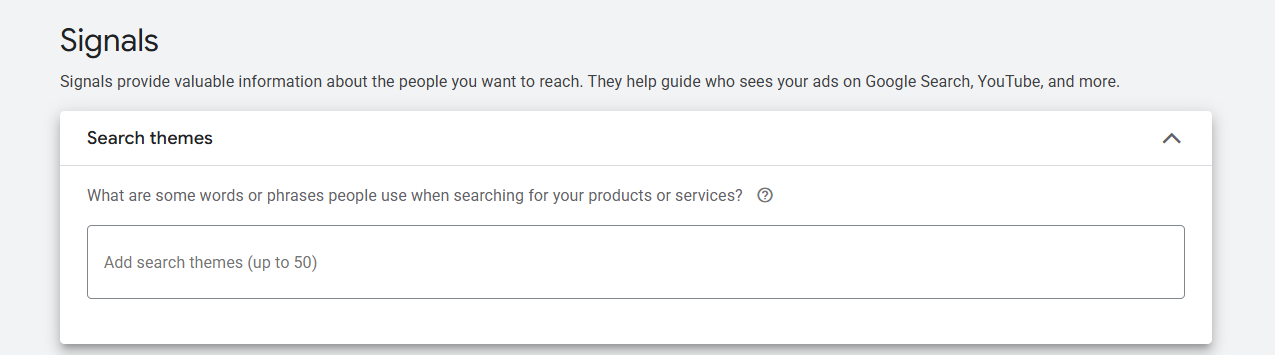
Search themes help Google understand what people might search for when looking for your products or services, guiding the system to reach the right audience more effectively.
Audience signal
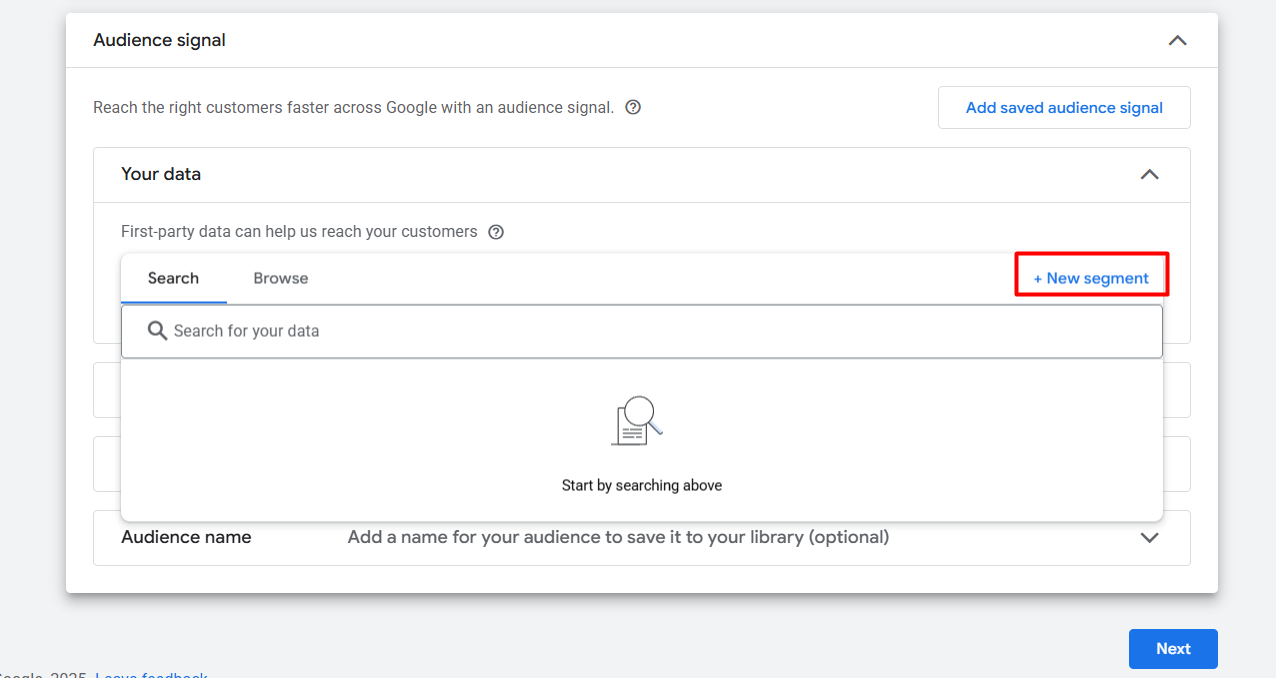
From here you can select your previously created data. Also, if you want, you can import data from your Google Analytics 4 and YouTube channel. If you want to know more, you can read this article to understand the audience segment.
Budget
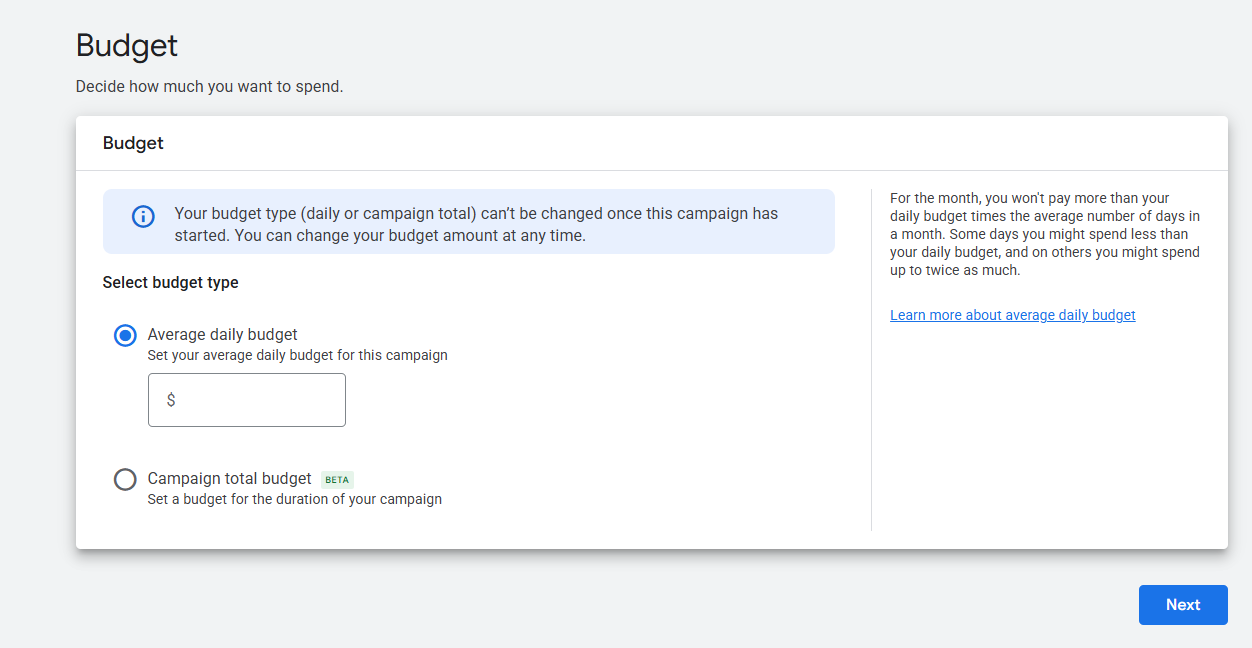
Now here in the section, you can write down what your daily or total budget is for the campaign.
Summary
In the review section, check everything one by one before publishing your campaign. Because in the review section you will be able to see every single thing that you did in your campaign. So every time, don’t forget to check your review page before publishing the campaign.