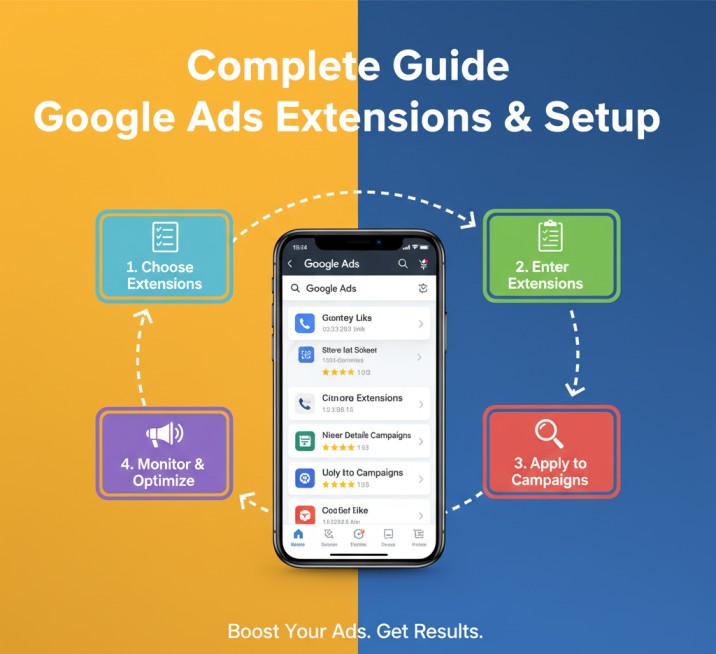
The extra relevant information we provide with the main ads is called ad extensions. Today in the article we will talk about them.
Extensions should always be relative to our ads. If we can do it, then our ads’ CTR can be increased 10 to 15%. Because with ads, it’s a really good thing if we can share a lot of relevant data.
Extensions are of 2 types:
- Automated Extension.
- Manual Extension.
Let’s start with manual extension. We can set up this extension manually, so let’s start with that. Google Ads has almost 12 different types of extensions, but every business is not able to use every single extension. One by one after completing the explanations, we will be able to know about them, who are supportive of us.
Manual Extension
We can set up all extensions at three different labels:
- Account.
- Campaign.
- Ads group.
If we set up any extension in the account labels, then the extension will work for every single campaign or ad group under this account. In the same way, if we set up any extension in the campaign labels, then the extension will work for every ad group under the campaign. At last, if you set up your extension in the ads group, then it will work for the ad group.
Sitelink
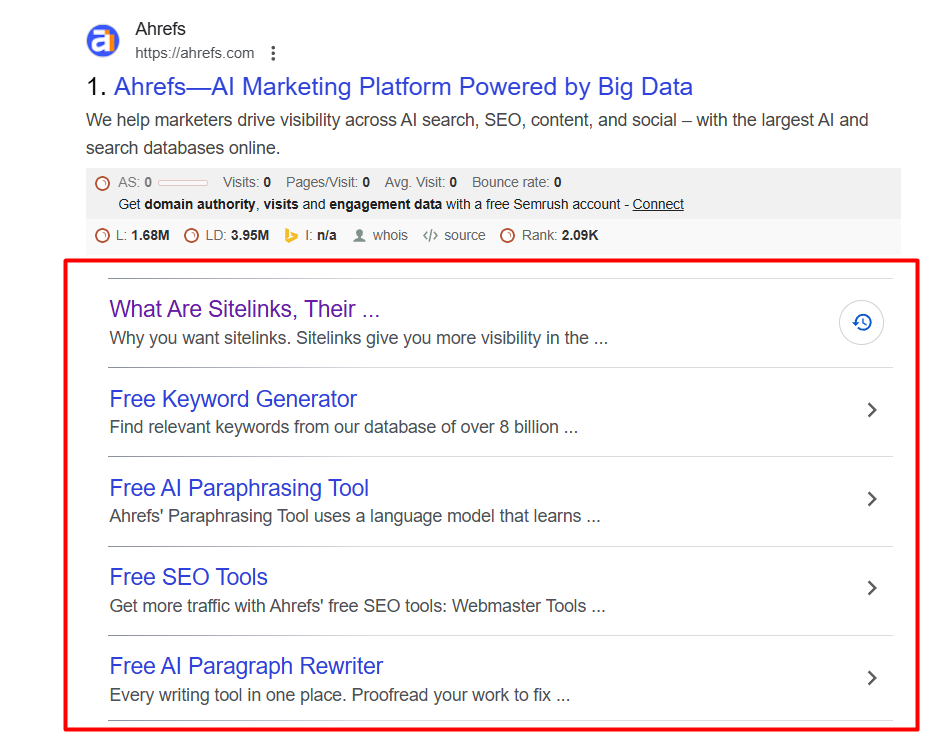
A sitelink is an additional link that appears below your ad text for your website. But definitely all these links should be relevant links to your ads.
It’s like if you are talking about “domain hosting,” then your site link can’t be dress related. It should be domain hosting related.
With this site link, you can share more and more info about your products. That’s why if you want to set this up for your ads, then you can do it, but if you want to do it for the account level, then you have to come into your campaign section, and then from the campaign section, you have to enter your asset section.
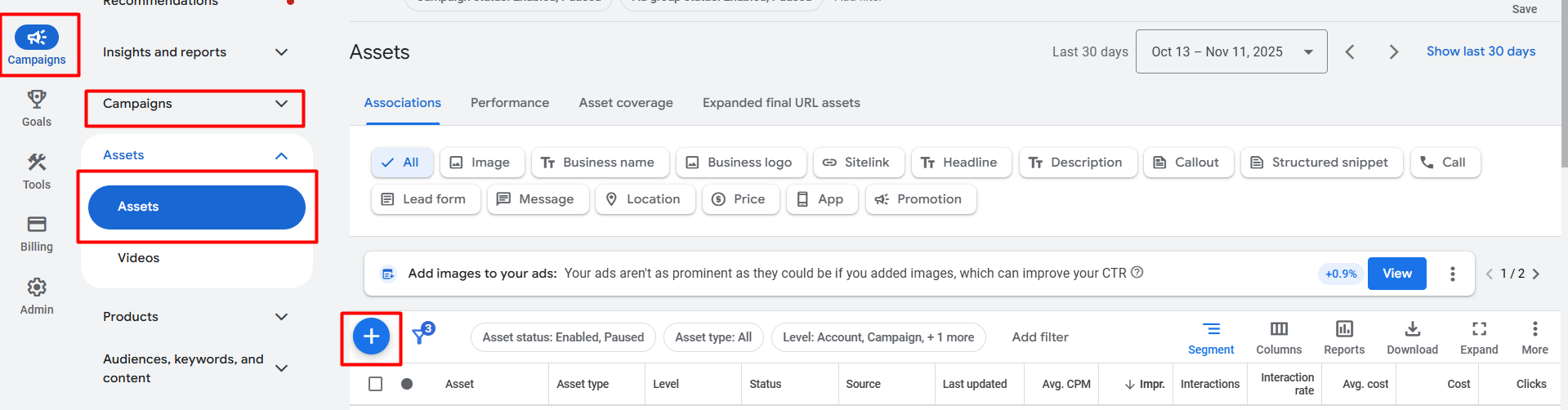
The good thing is that from here, if you create your every single extension, then you will be able to set it up in every single label.
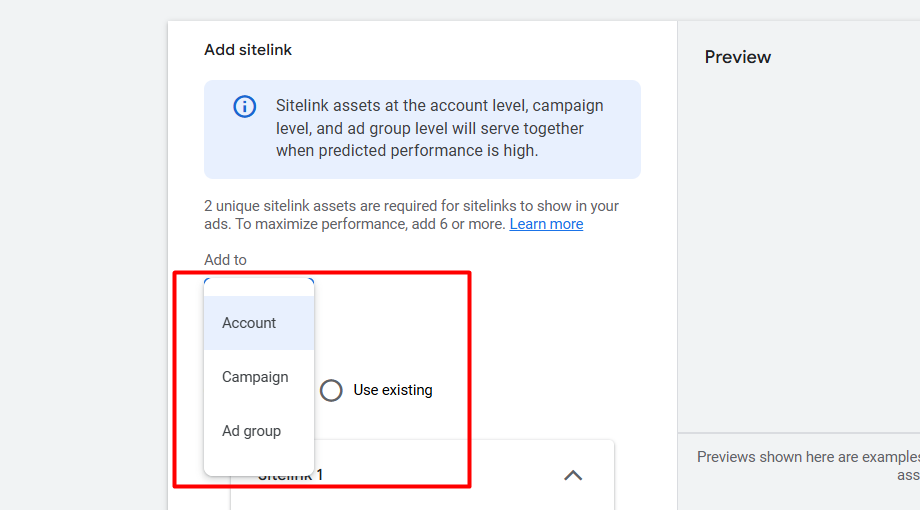
Here you can see all of the labels. Select in which labels you want to set up your sitelink and go for next.
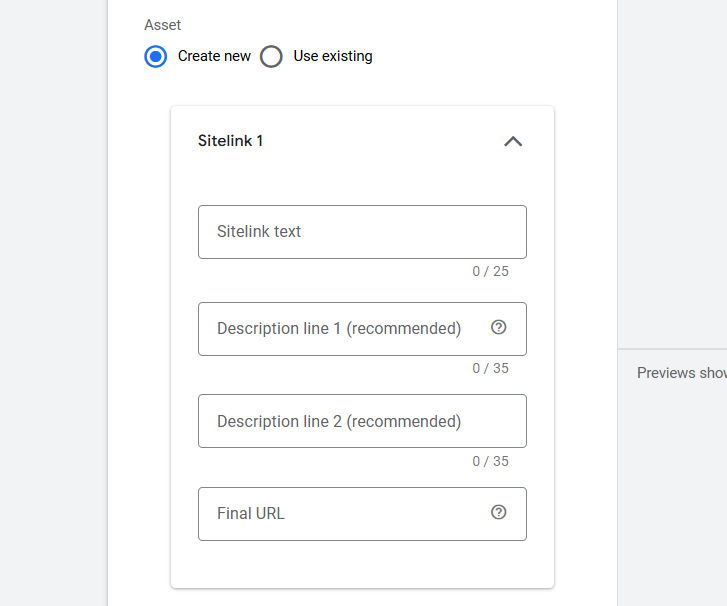
After that you will get these options. Fill them up one by one.
Sitelink text: A short, catchy link title.
Description line 1: A brief summary or unique selling point for the linked page.
Description line 2: Additional detail, a call to action, or a key benefit.
Final URL: The exact landing page link the user goes to when they click the sitelink.
If you want to use sitelinks for your ads, then you have to make at least 2 sitelinks, and the maximum you can create is 20 different sitelinks for your ads. We always create these site links under ad group labels. Because all site links should match with our ad copy.
Because if we used this site link in the accounts’ labels, then it could create a problem because in an account we run different types of campaigns with different motives and with different goods.
If we create a lot of different sitelinks for our ads, then Google will optimize them according to the traffic search term. Because Google reads every sitelink and arranges them in the best way to attract our traffic.
Callout Extension
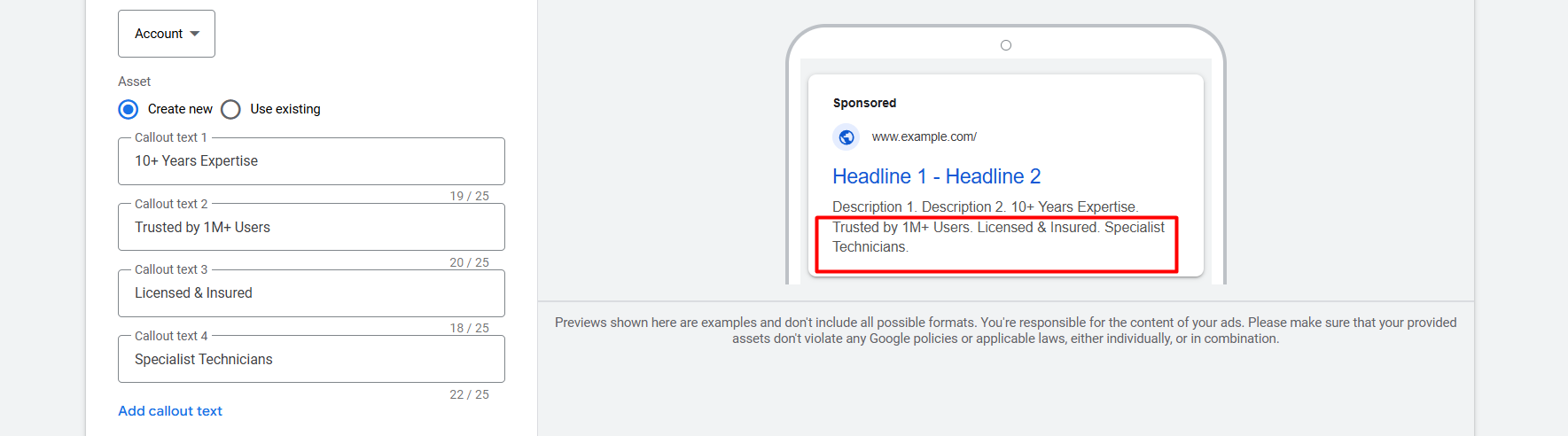
With callout extensions, we highlight the strength or value of a brand. To our customer, to explain the value, the goal, and the good side of our brand, we used this extension. We can set up this extension in the account labels because these things will always be the same about our brand.
For a campaign we have to create at least 2, and the maximum we can create is 20 callout extensions. This is all also arranged by Google in the same way, like a sitelink extension.
Structured Snippet
This feature lets you highlight specific, helpful details about what you offer right in your ad. Instead of just saying you sell “shoes,” you can use a snippet to list the types you have, like “sneakers, boots, sandals, and heels.”
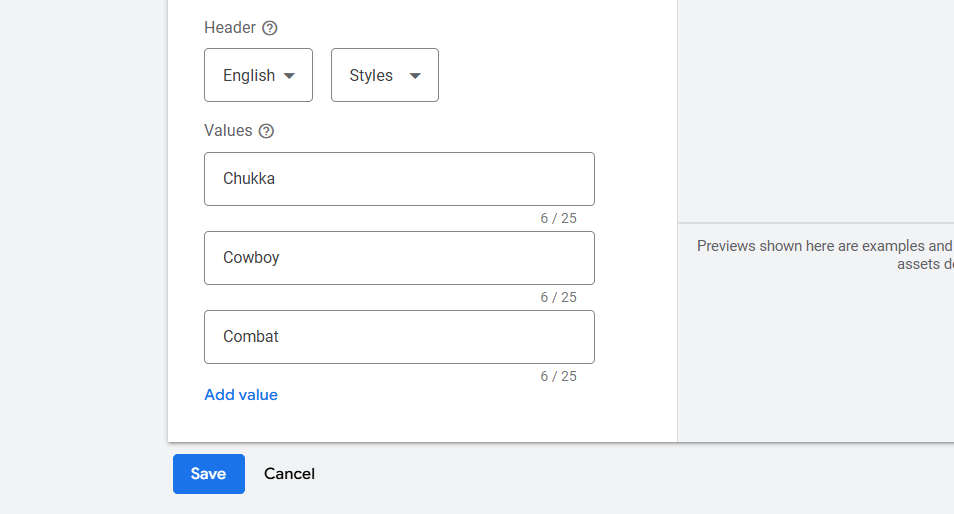
Location Extension
A location extension lets you link your advertisement directly to your Google Business Profile. This means your ad will automatically display your address, phone number, and a map link right alongside your text. Users searching nearby can see exactly how far away your location is and click for directions. This is very effective for driving local foot traffic from your online ad copy straight to your physical outlet.
Location extension are 2 types:
- Our Location.
- Affiliate Location.
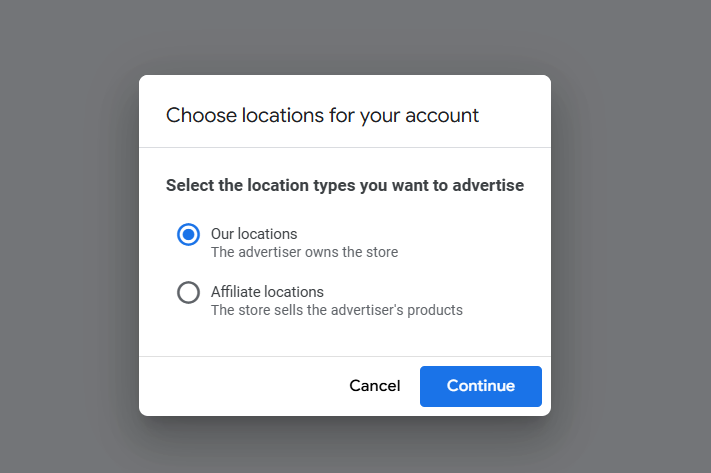
We can set up “Our location” easily if we already have Google My Business in our same Gmail. If we don’t have it in our same Gmail account, then we can send a request for the access. Then easily we can continue and set up the extension.
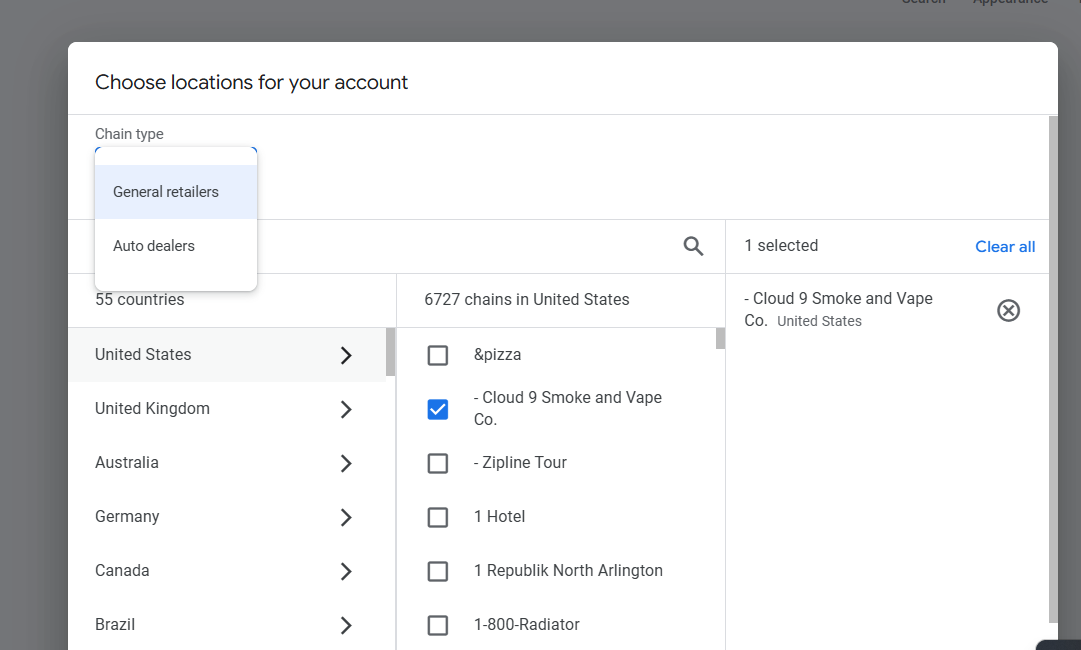
Or if we also have our affiliate location, then we can go for them also. Select the chain type and location, and continue.
App Extension
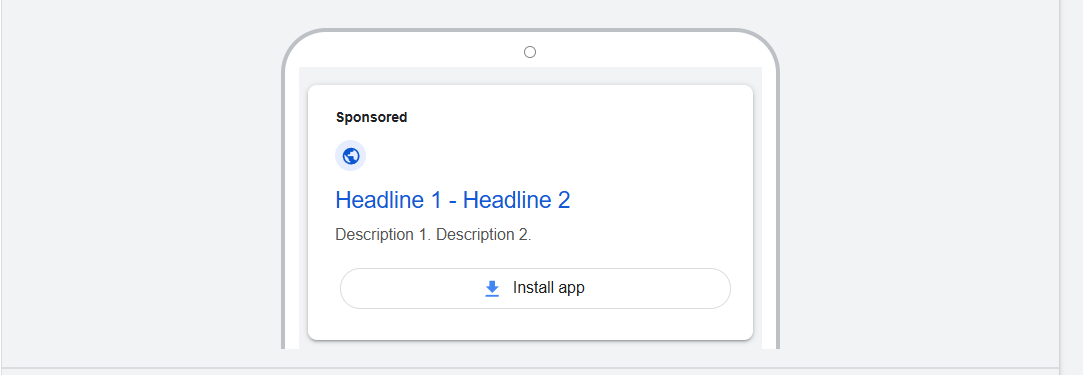
App Extensions allow you to show a direct link to install your app right underneath your main text ad. When someone clicks the link, they are taken straight to the download page on the Apple App Store or Google Play Store. This is a very efficient way to use your advertising budget to drive more app installs for your app-based service or business.
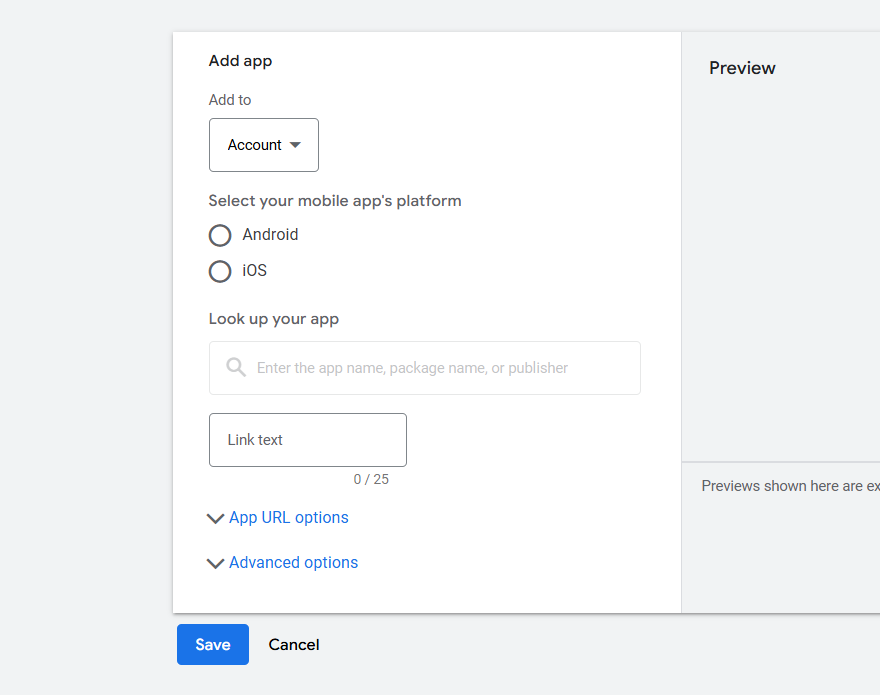
After selecting your app platform, you can find your app and save it to use in the campaign. You can set up this extension in the account label. Because the app will be the same for every campaign.
Call Extension
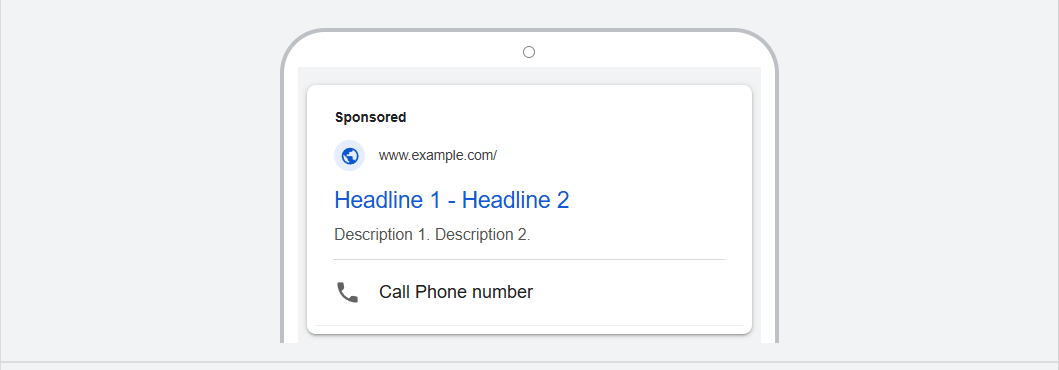
With the extension, you can add one number under your text ads. With the number, your traffic can contact you directly. This extension is really good for service-based businesses. If you think it will be great for you if your customer directly calls you, then definitely use this extension with your ads.
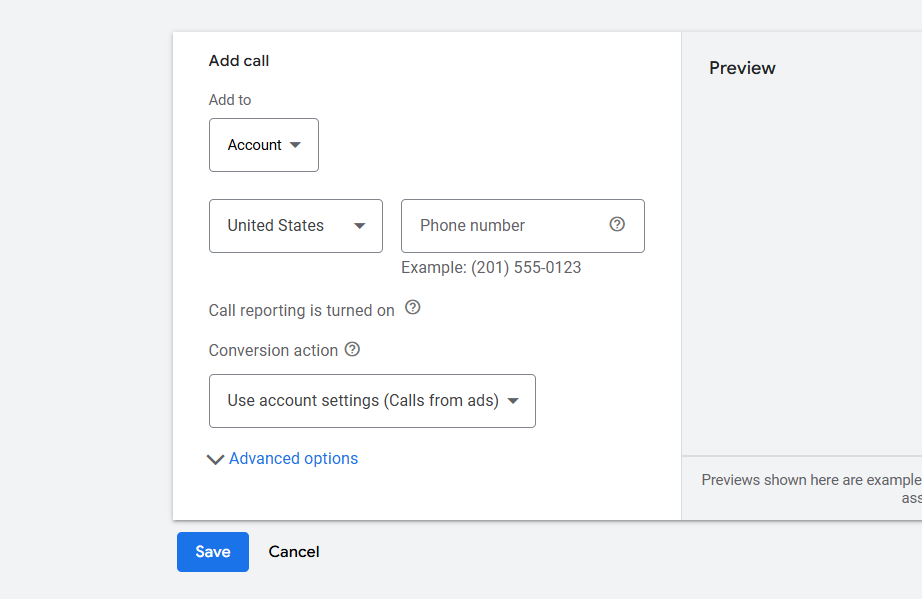
Select your country and place your phone number and save.
Price Extension
Price extensions function as a mini-catalog or menu that appears below your ad. They allow you to list specific products, services, or tiers with their exact price and a corresponding landing page link. This increases transparency and helps pre-qualify clicks, ensuring the users who click are already comfortable with your pricing.
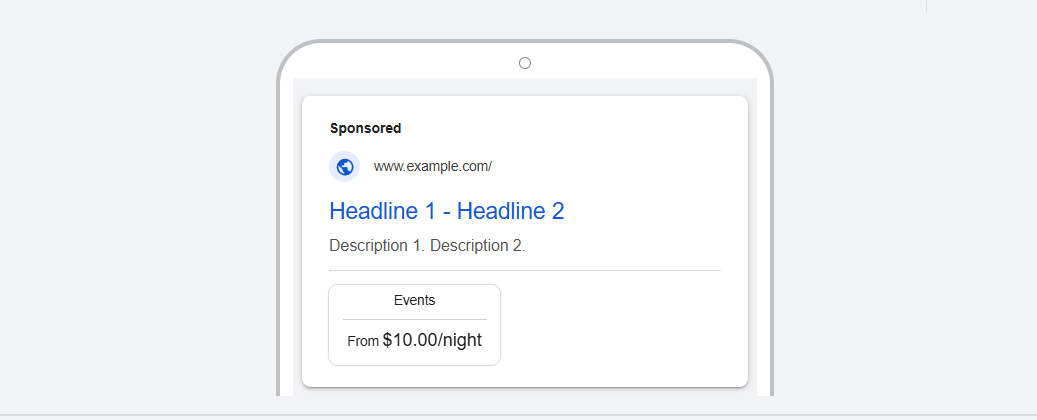
Think you are the owner of a great event. So with this extension you can highlight the price of your events per night.
With this extension we can highlight our prices of our goods in many ways. Think of yourself as a service provider now. With this extension, you can highlight the price from where it starts or what the maximum price can be.
Minimum: You must create at least 3 separate price items for the extension to show.
Maximum: You can create up to 8 separate price items in a single price extension.
Promotion Extension
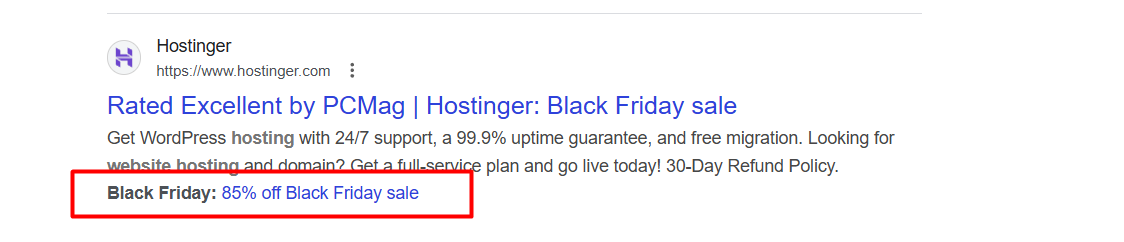
The Promotion Extension is a special feature designed to highlight sales and seasonal offers directly within your text ad.
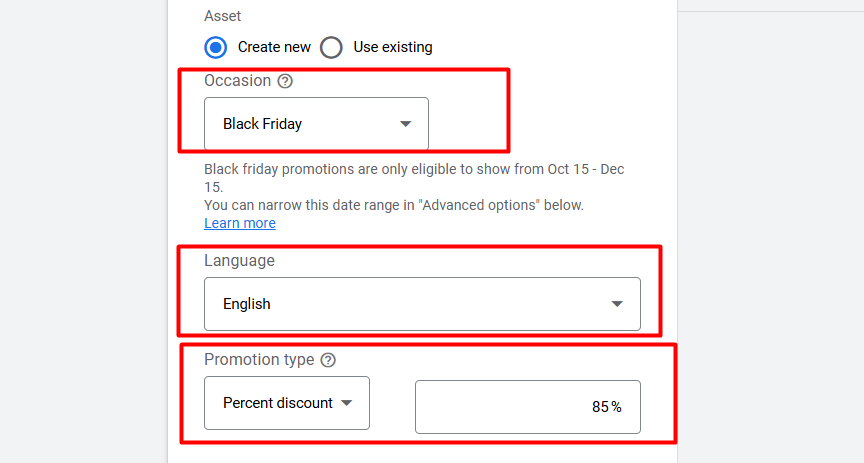
To do it, first select the occasion type, then the language for your traffic, and select your promotion type.
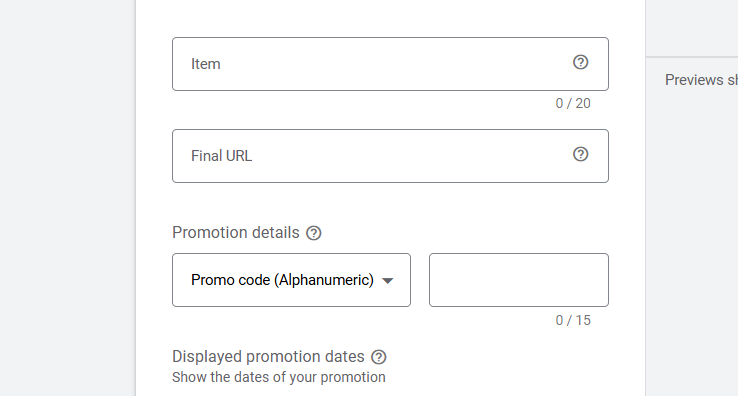
Now here, put your item name and the final URL. Then in the “Promotion Details” you can select how your offer will be applied. So check the options and find which one is really great for you.
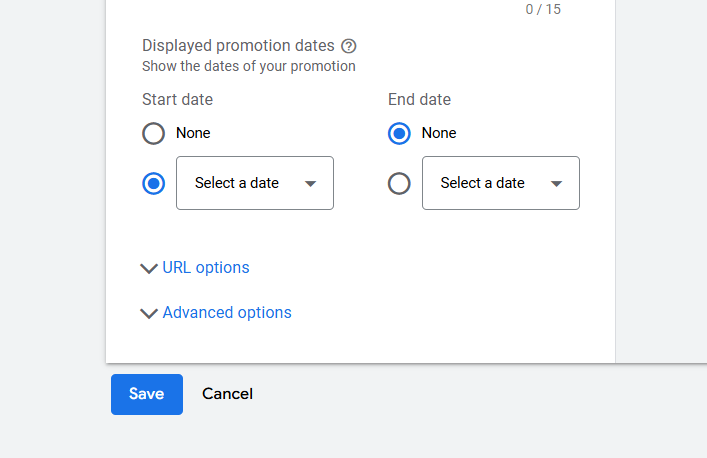
Now from here, select the start and end dates of your offer, then save. Done.
Image Extension
In this way, your selected image will be shown to the side of your text ads if you use the image extension. But to use the extension, your account’s age should be more than 60 days. Your account’s history should be good and policy-friendly. The account has active campaigns.
To use images, your account must have active text ads spending money in search campaigns for at least the last 28 days. Also, your business must be in an approved category; sensitive types of content, like gambling or explicit material, are not eligible for image extensions. And the suggested size for the images is
Image resolution:
| Aspect ratio | Minimum pixels | Recommended pixels |
| Square (1×1) | 300 x 300 | 1200 x 1200 |
| Landscape (1.91×1) | 600 x 314 | 1200 x 628 |
Automated Assets
After some time running ads, Google created all these assets. We can just do this on the assets so Google can use them automatically. To do it again, go to your assets section.

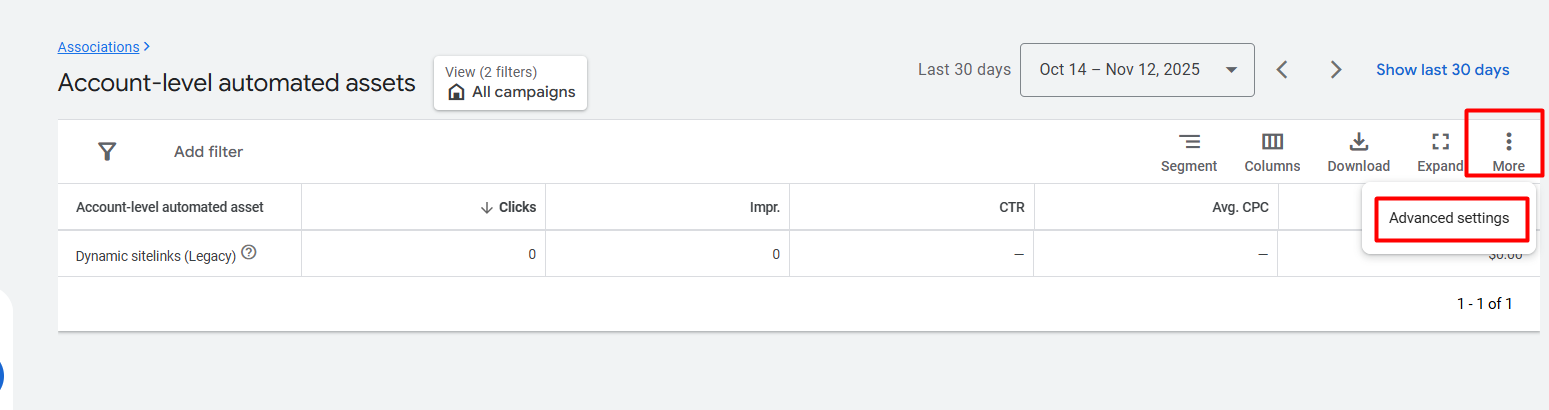
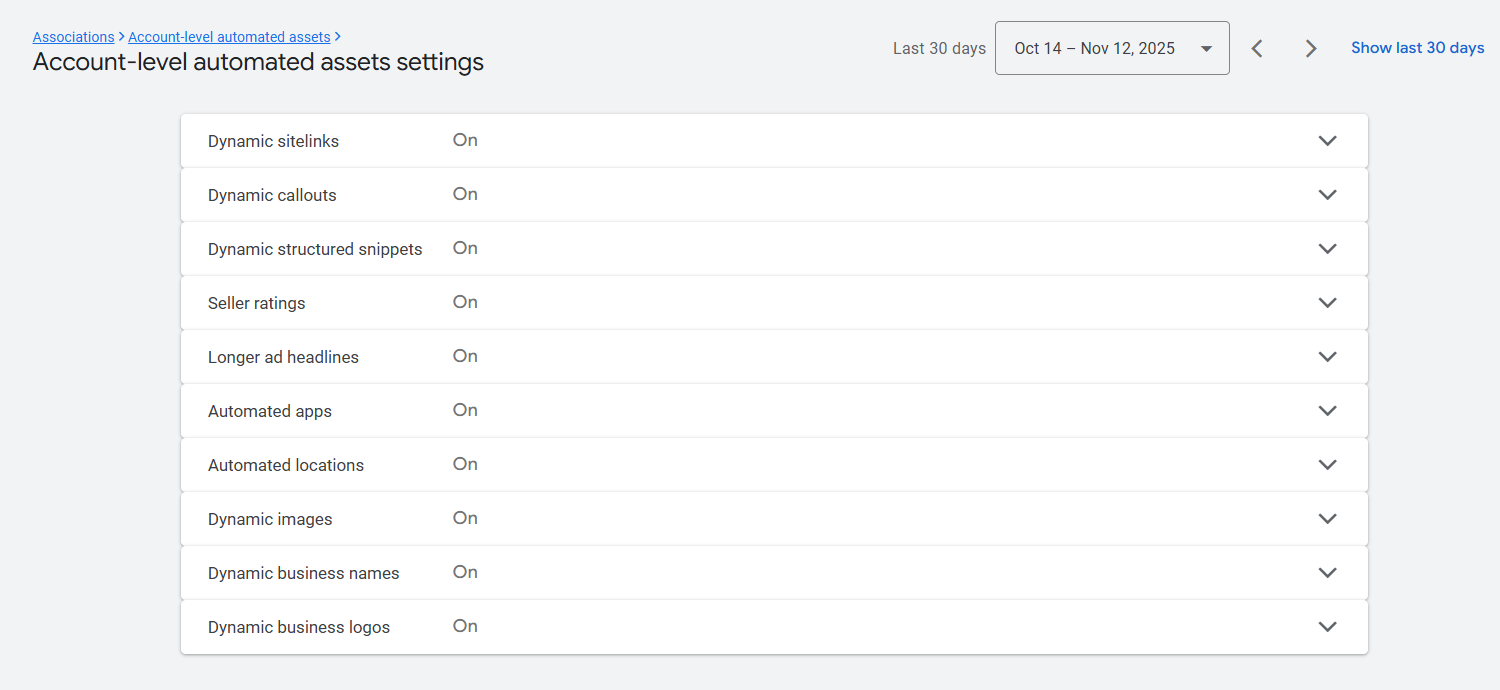
From here on, this is all. From here we can create everything manually without one “Seller Ratings.” With this extension our CTR can increase 35%, and the conversion rate can increase up to 10%. Because 90% of customers read online reviews, and from them, 88% of customers trust online reviews. Google takes all reviews from our GMB profile.
So use those extensions that you think will be great for your business and enjoy the extra CTR.