
Google Tag Manager is a free product from Google; with it, we can complete our day-to-day tracking work, or we can manage our total tracking program.
Before learning about tools, we must know why we need them and what we can do with them. Today in this article we will explain about the GTM.
To set up GA4 or the Facebook pixel on your website, you must use JavaScript code in the background of your site. JavaScript is a kind of programming language.
Humans utilize various languages to express their thoughts. In the same way, computers or systems just understand this type of programming language. We will need to finish our tracking journey using this kind of programming language.
So to run the tracking perfectly, you have to add this type of different code every time. To run a marketing campaign, we need to track a variety of different events at different times. That’s why if you are not a developer, then it can be challenging for you. Also, using many codes can decrease your website’s speed.
So, in this article, we will explain more about the GTM for solving this problem:
- What is the Google Tag Manager?
- What is the purpose of using Google Tag Manager?
- Who will capture all of the events?
- What are the tag, trigger, and variables?
What is Google Tag Manager?
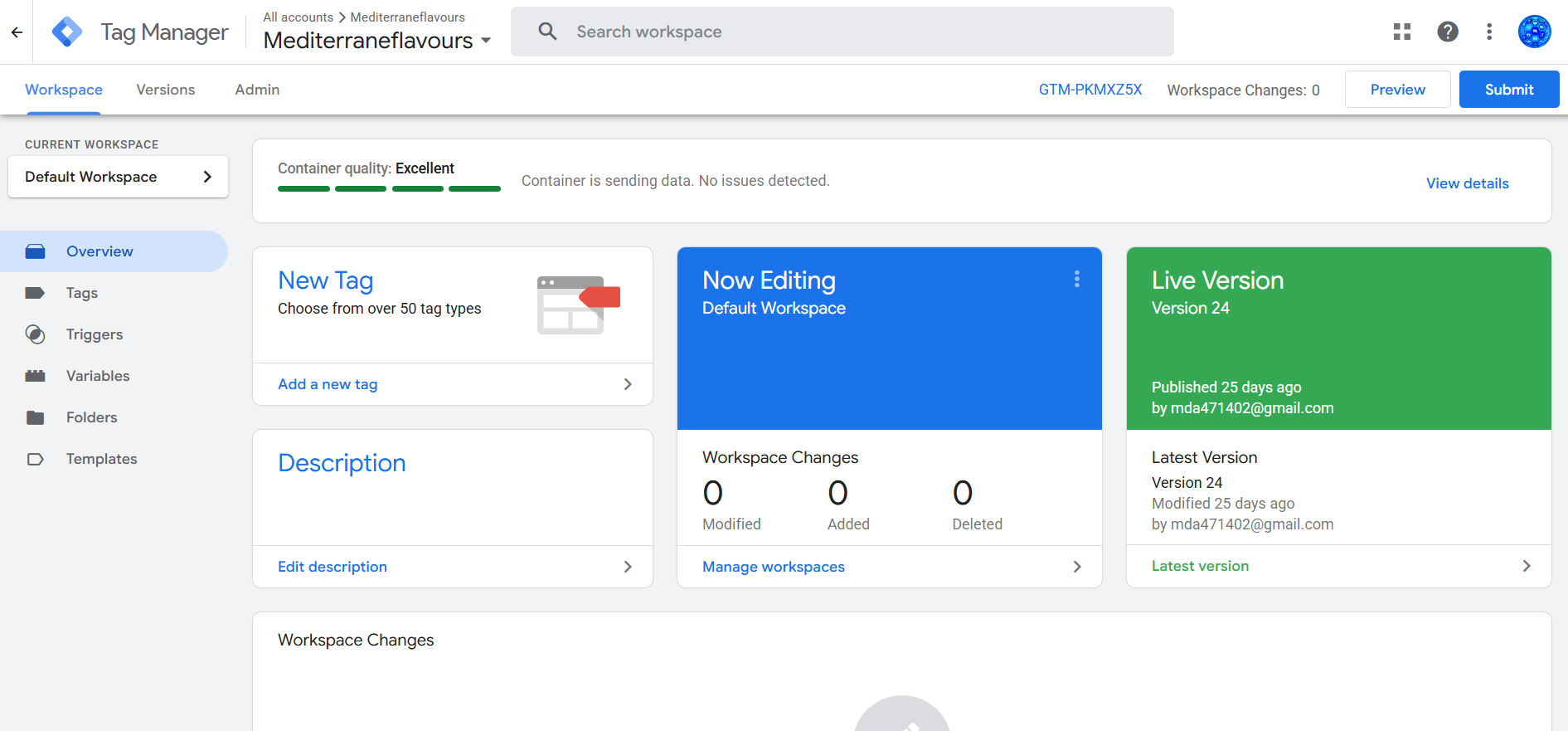
As we mentioned previously, if you do not have a developer background, adding this type of code to your website can be challenging. Additionally, working on the website backend can be risky because not everyone uses WordPress. If you have a custom site, you must contact your developer for help, which can slow you down.
That’s why Google created tools like Google Tag Manager (GTM) for our use. With that, marketers get a fantastic capability to track this type of event without the help of a developer.
In summary, Google Tag Manager is the tool that allows you to set up conversion tracking without needing to modify your website’s code each time.
If you choose to use Google Tag Manager, you will only need the assistance of your developer once. After that initial setup, you are free to add any number of events on your website according to your marketing or campaign goals.
Why we should use GTM
I already talked about one benefit of using the Google Tag Manager. If you prefer not to rely on your developers for assistance each time, then using GTM is an excellent solution. Also, if you want to manage all of the tracking factors in a single place, then you can also use the Google Tag Manager.
For you, this platform will be a really easy way to manage your every tracking setup. You can easily add items to your events or make any changes on this platform.
These types of actions are not possible if you use the code directly in the background of your website. In that case, you have no control over the limit. So come here in the Google Tag Manager and enjoy the unlimited control ability as per your needs.
In the future, if you encounter any technical errors or issues with your tracking, you can easily access the platform and run a test to identify the source of the problem.
In a single line, Google Tag Manager offers you freedom, removes dependency from developers, and gives you a wonderful place to manage everything smoothly.
Who will capture events?

Google Tag Manager serves as a bridge between the website, the analytics platform, and the campaign manager.
When traffic completes one or more events on your site, GTM begins its work. That means when someone visits your site and completes the targeted events, Google Tag Manager captures those events and sends all of them to your analytics or to your campaign manager.
What are tag triggers and variables?
To fully understand a tool, you must comprehend all of its settings thoroughly. Understanding the tools thoroughly allows you to work more freely and intuitively.
If you don’t know much about the tools, then you will face many problems if you try to do anything creative. So here in the Google Tag Manager, these three settings are vital. If you know them well, you’ll work quickly and happily in the future.
These three important settings are:
- Tag.
- Trigger.
- Variables.
Tag
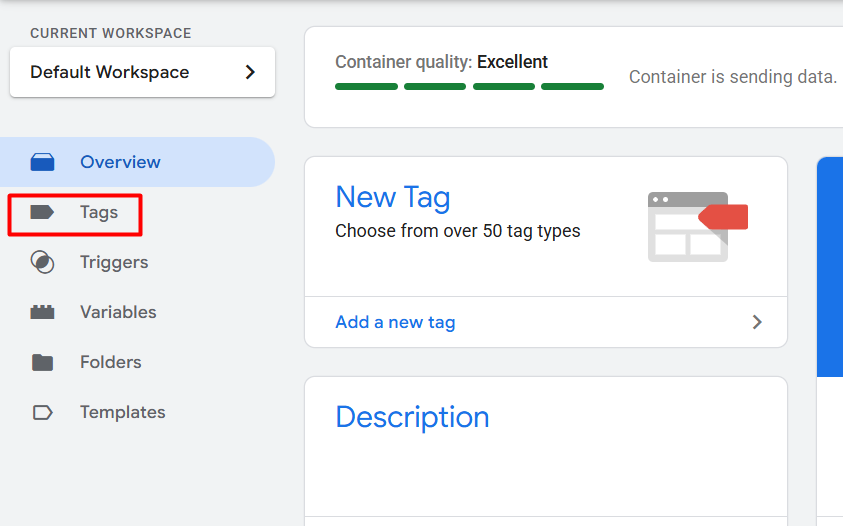
In this setting, you can create one instruction for Google Tag Manager. This means that you are instructing GTM to perform a specific action.
Trigger
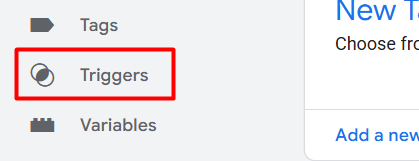
In the first setting, we instruct GTM to perform a specific action. Now through this procedure we will give GTM instructions on when to carry out its duties in this triggers section.
Variables
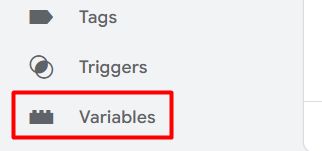
A variable is kind of a bowl where we store our data. That means if GTM needs something that we have saved somewhere in a specific location, that specific location is called a variable. With the help of variables, we can collect and send many different types of data on different platforms as per our needs.
In summary, a variable is a tool that assists in collecting information.
A trigger tells when something happens.
The tag tells what action will be executed.
Variables tell what data will be passed.
The functioning of these three crucial settings in GTM is explained in detail. We will know many new things in the next article. We aim to gain a deeper understanding of GTM, enabling us to effectively utilize it in our work.
This article is part of a series. So remember to follow us, or check our other articles. Additionally, feel free to share anything with us, as we are always here to assist you.